Guided setup wizards
Set things up in Kepthouse in a minute or two
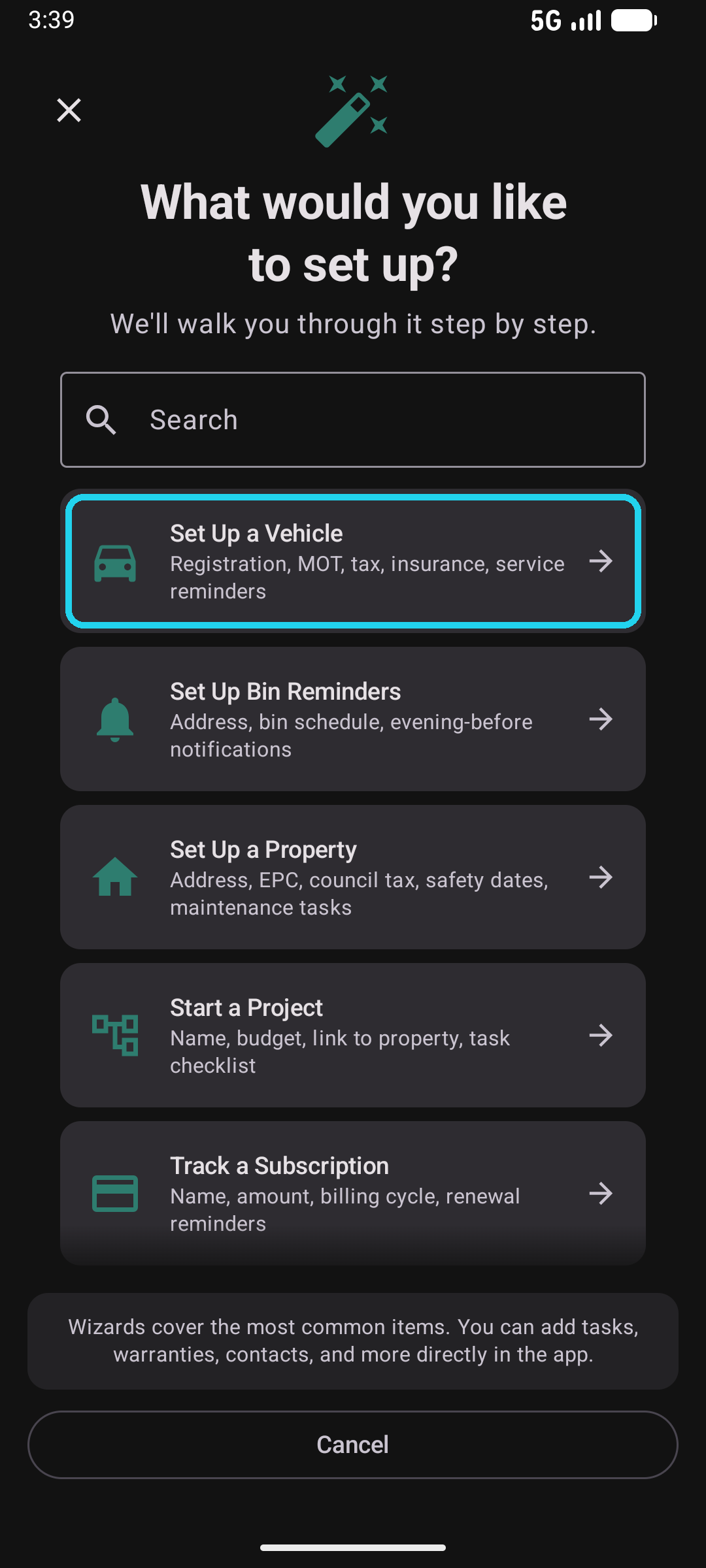
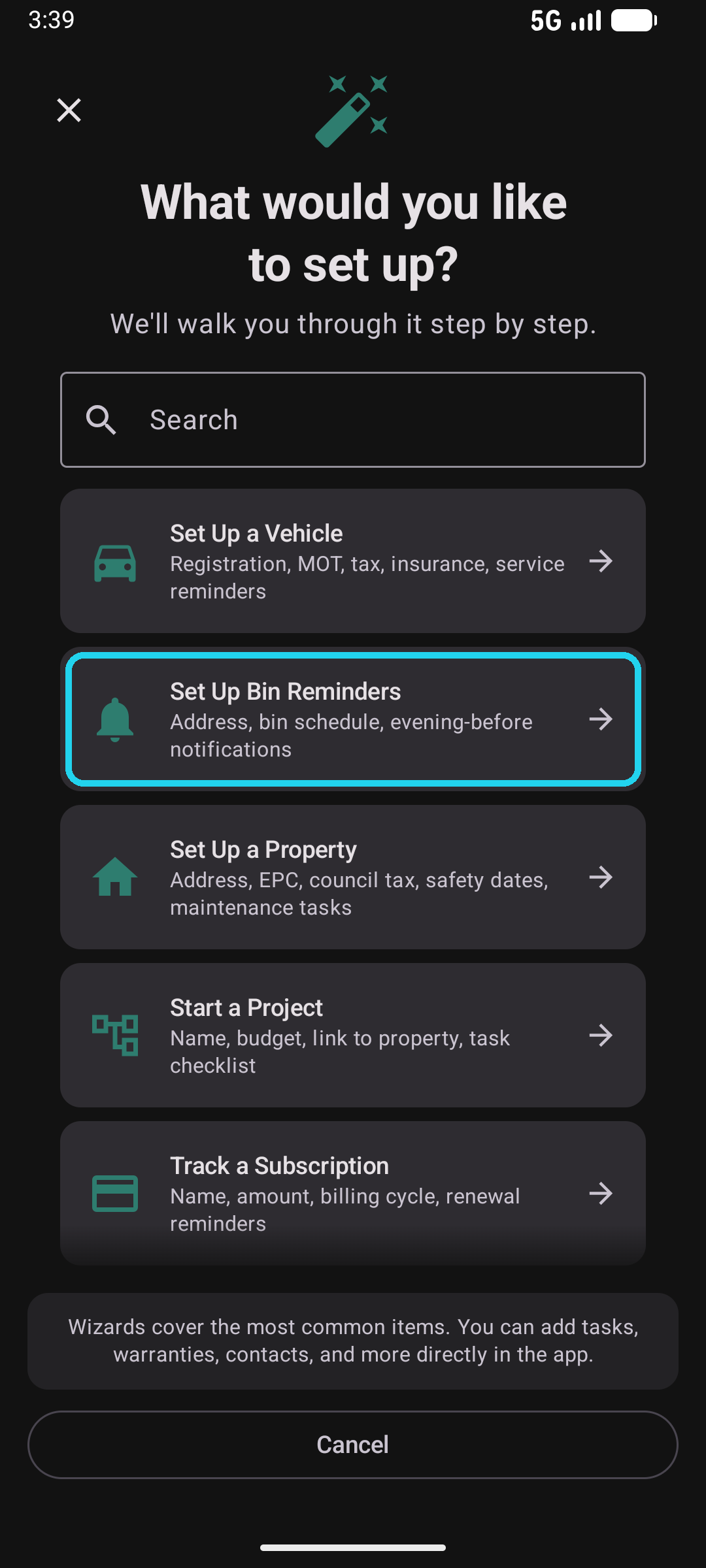
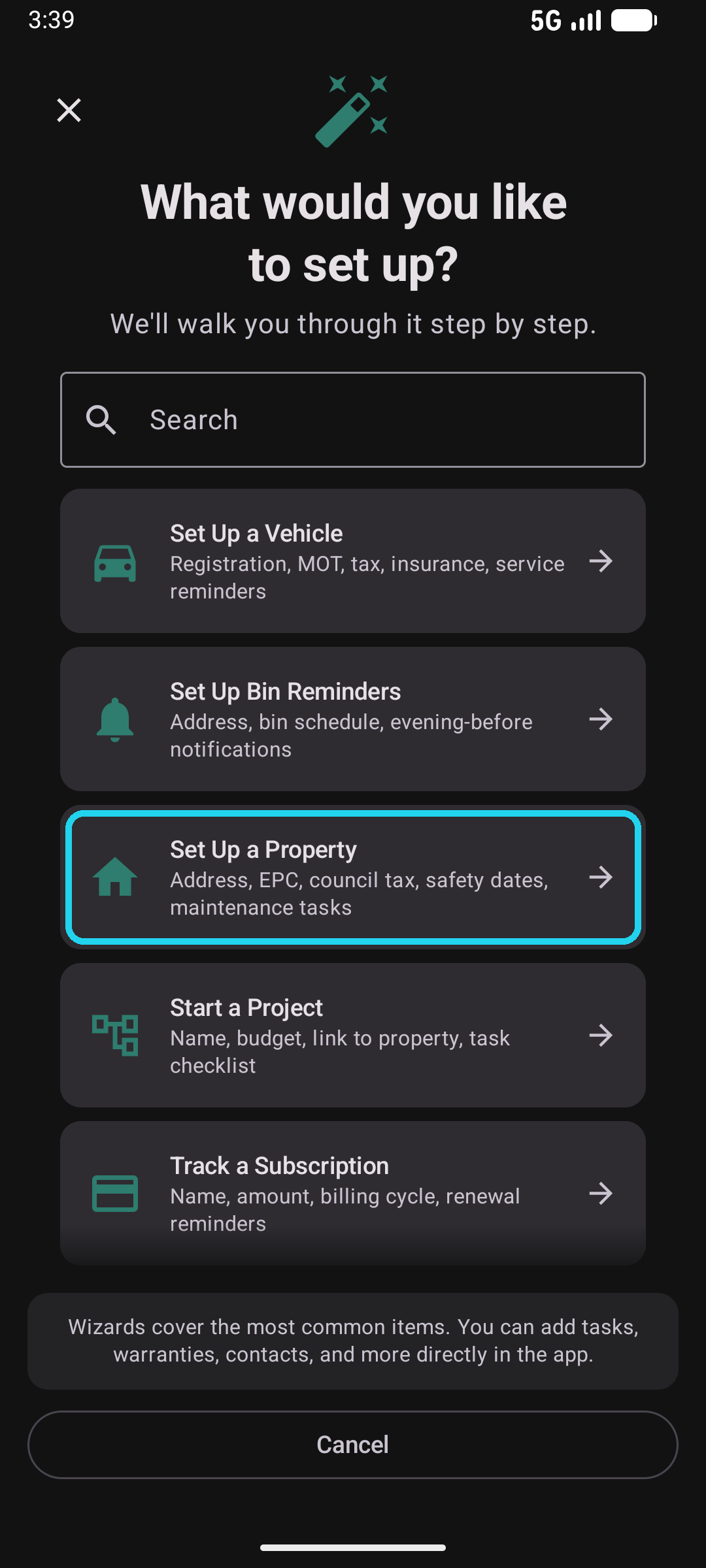
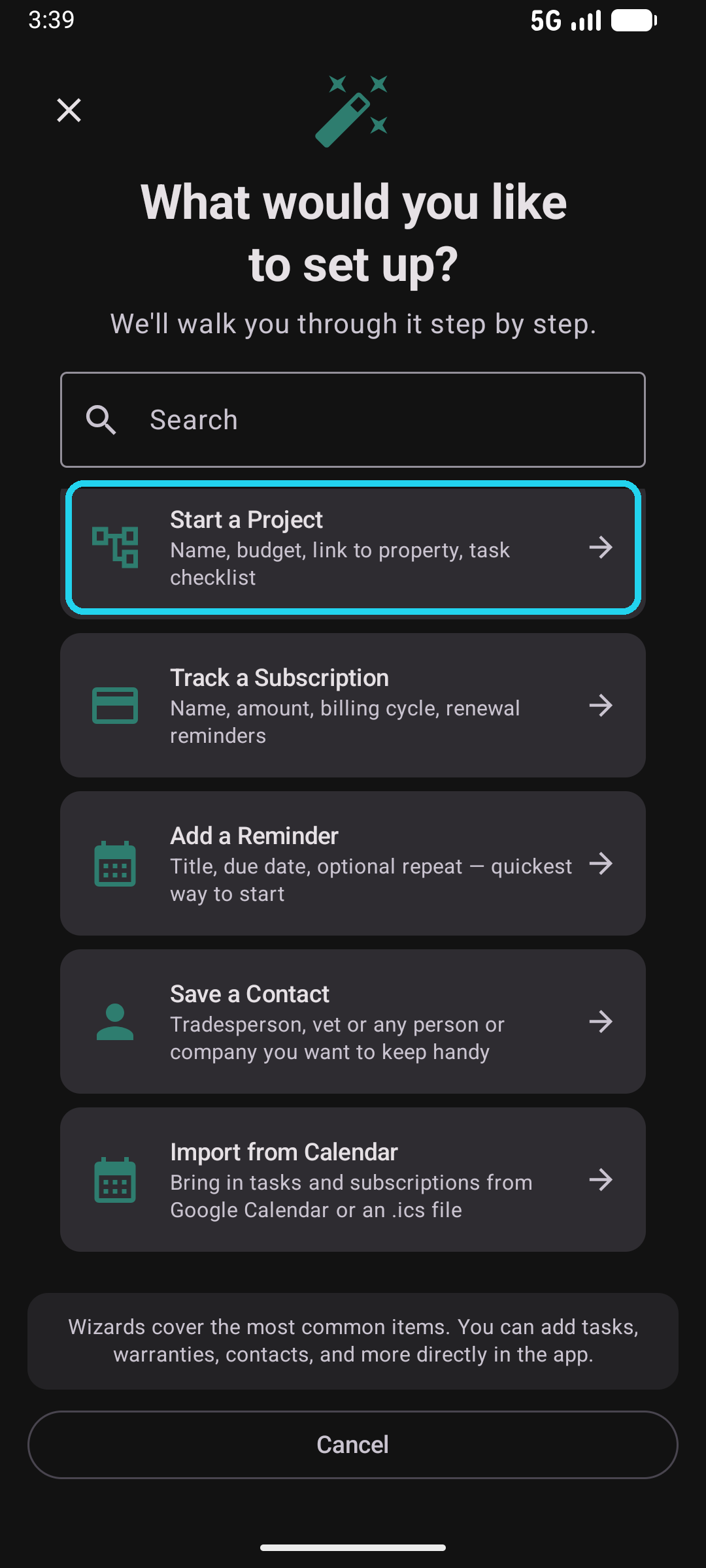
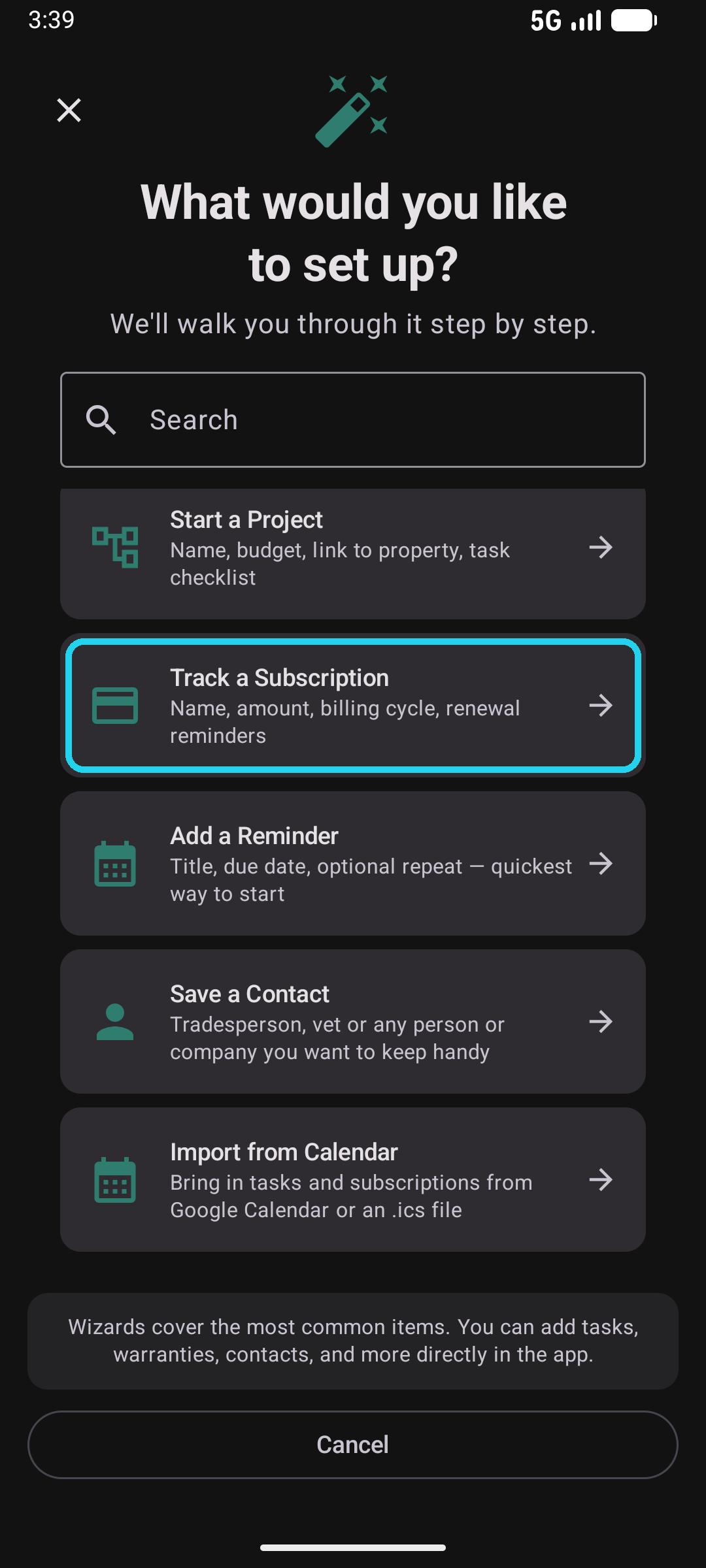
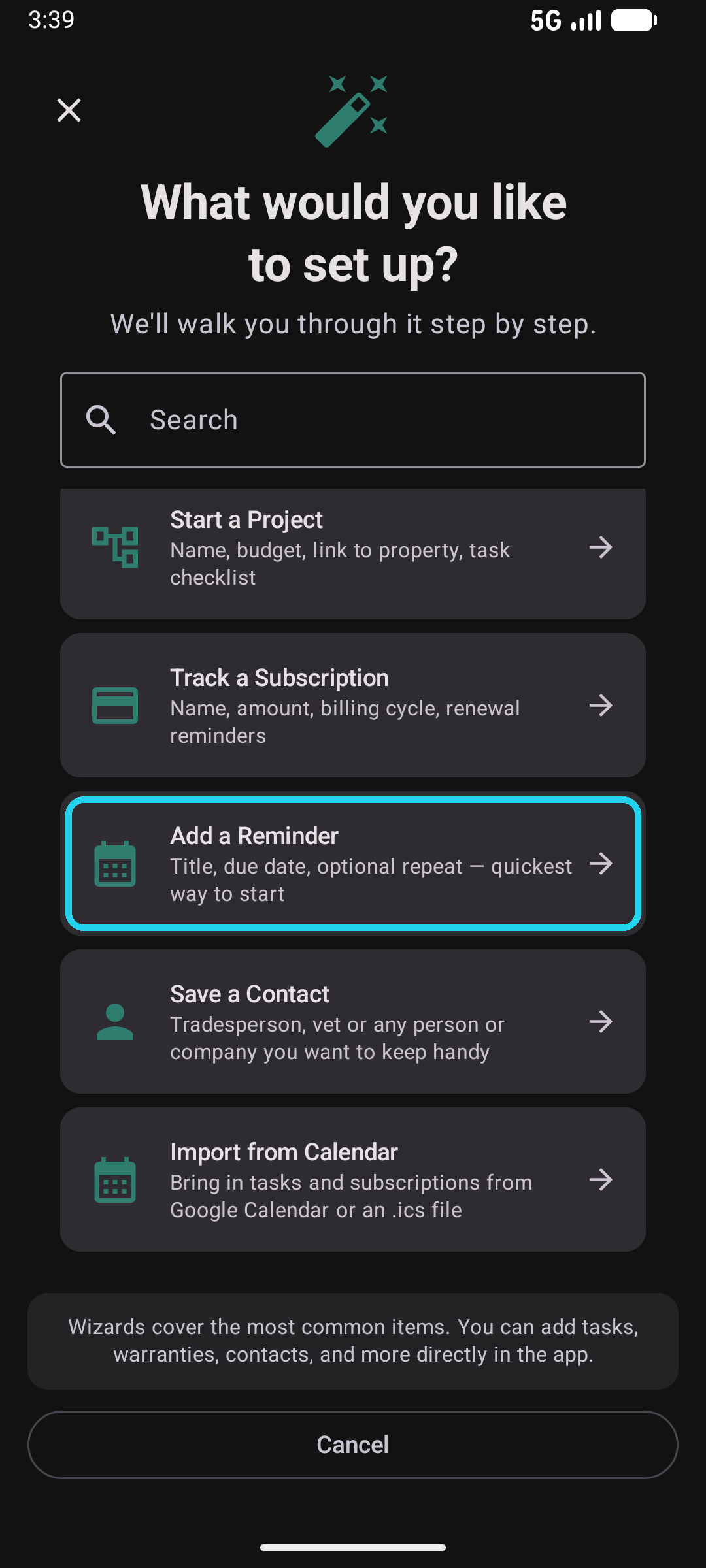
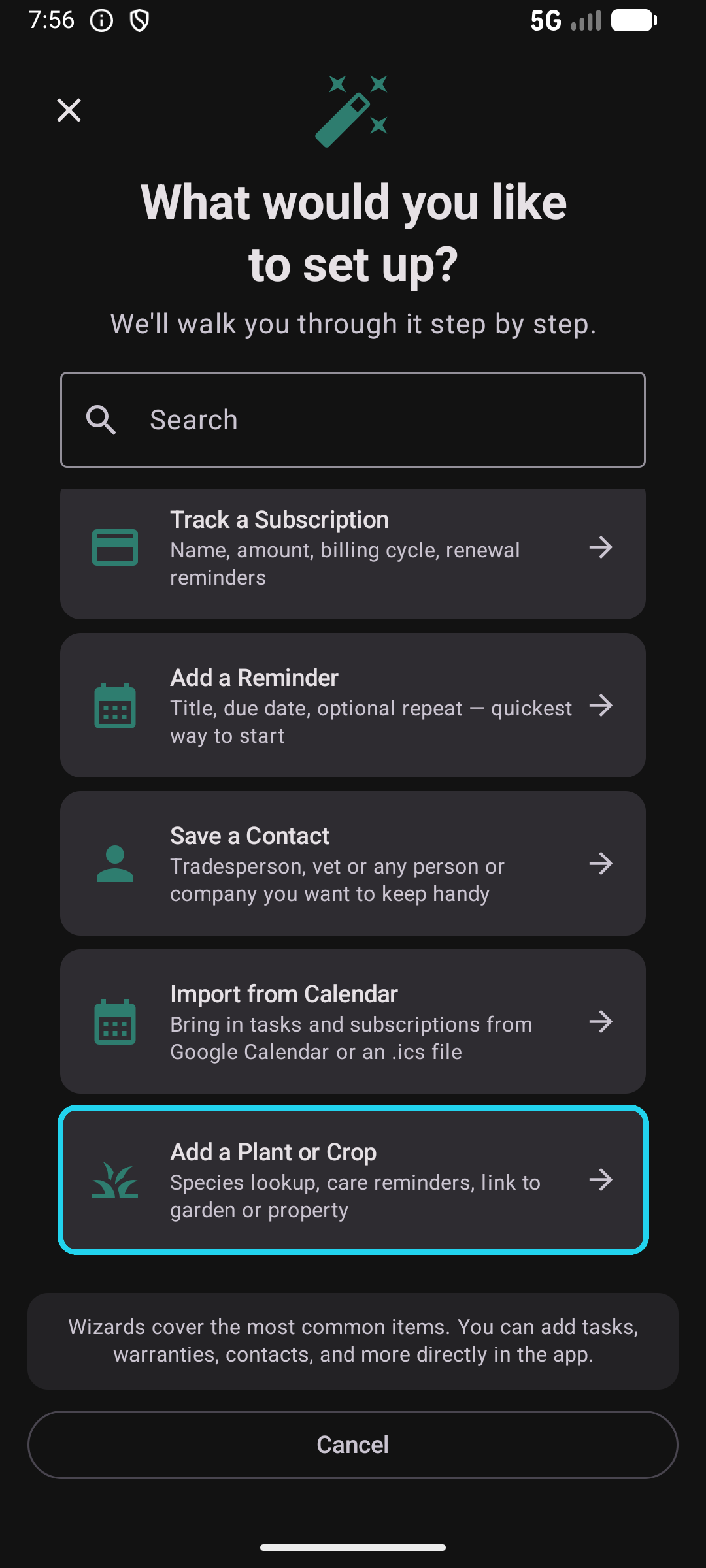
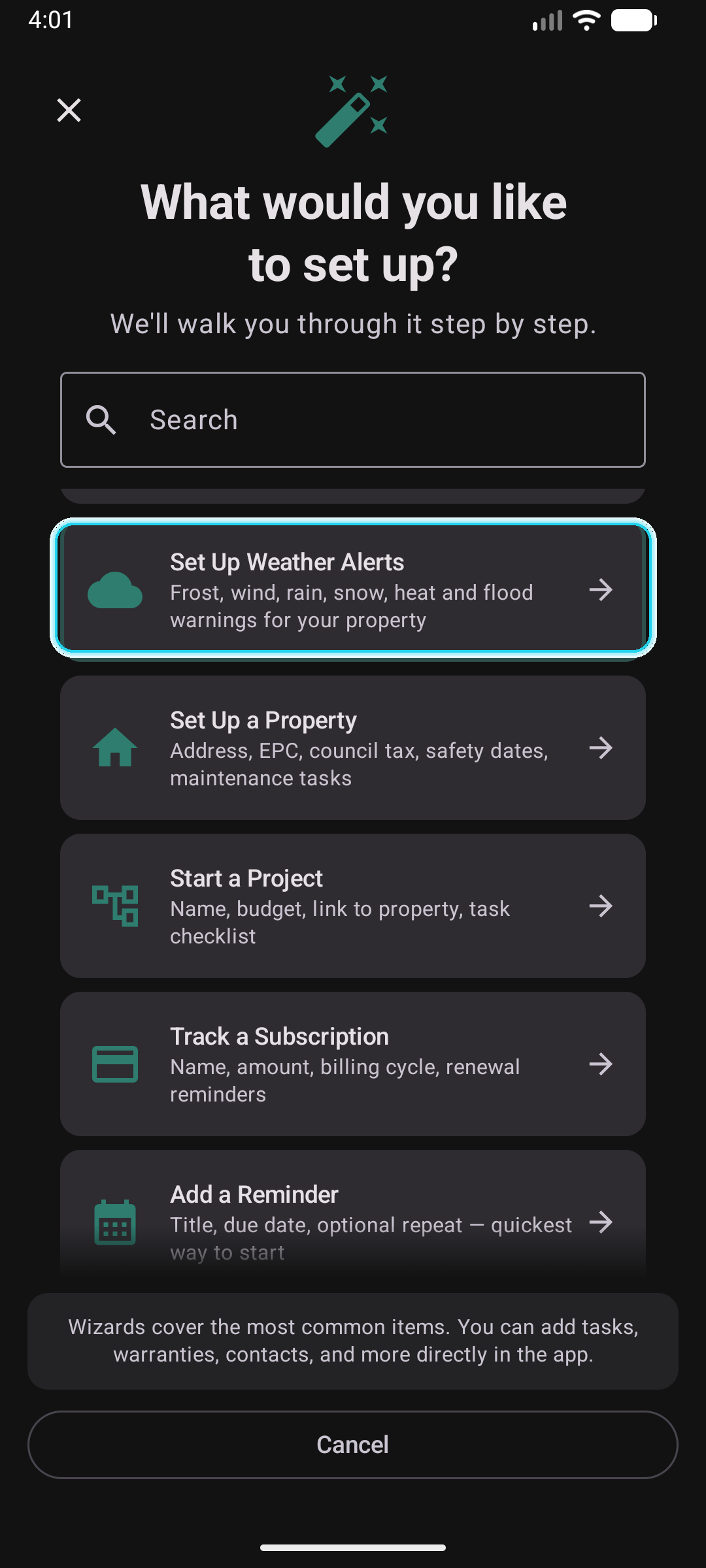
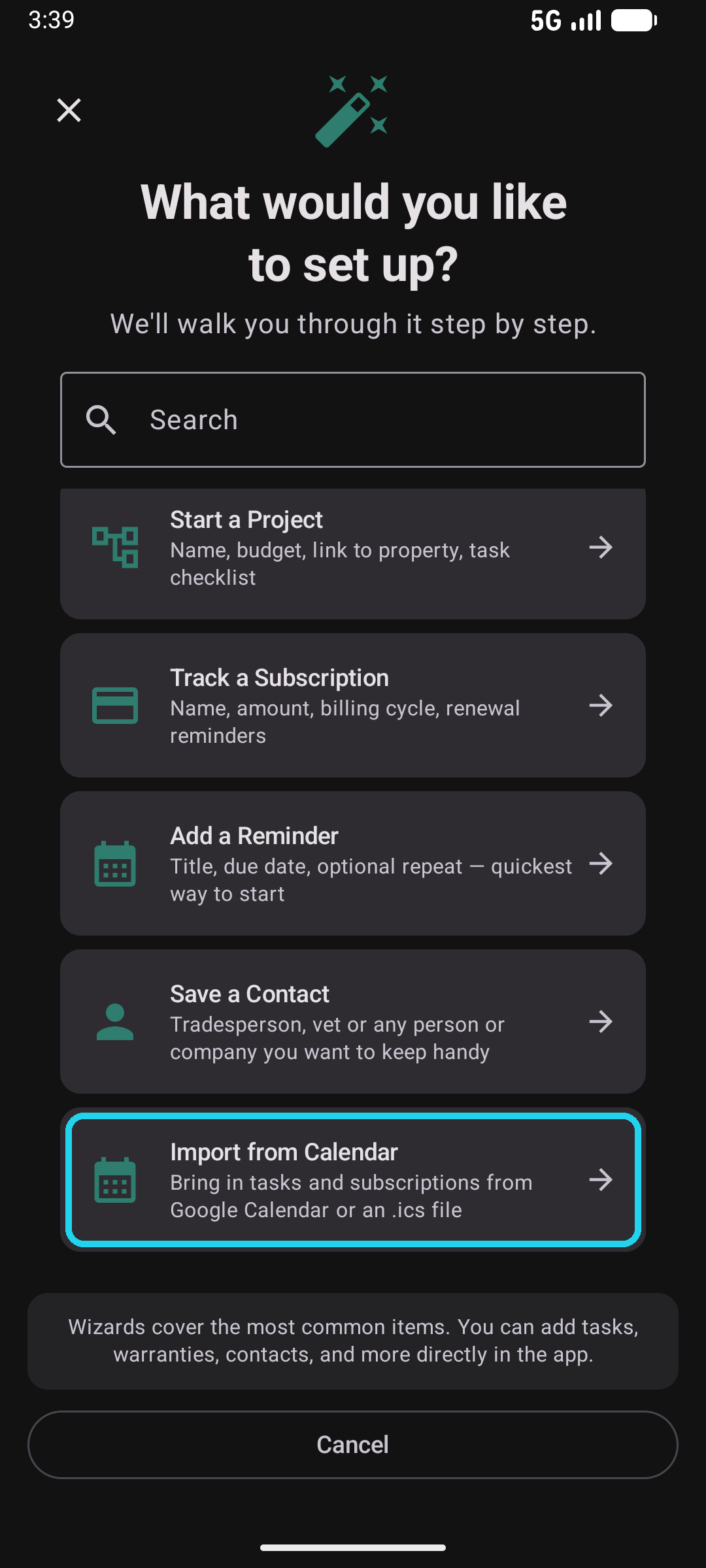
Kepthouse ships with ten step-by-step wizards that cover the most common things you'll want to track. Each one walks you through the minimum details, then drops you back into the app with the item created and reminders already scheduled. Find them behind the wand icon on the dashboard or under the More tab — available any time, not just during onboarding. Shots below are from Kepthouse v1.4.55 in dark mode, captured at 1080×2400.
Set Up a Vehicle
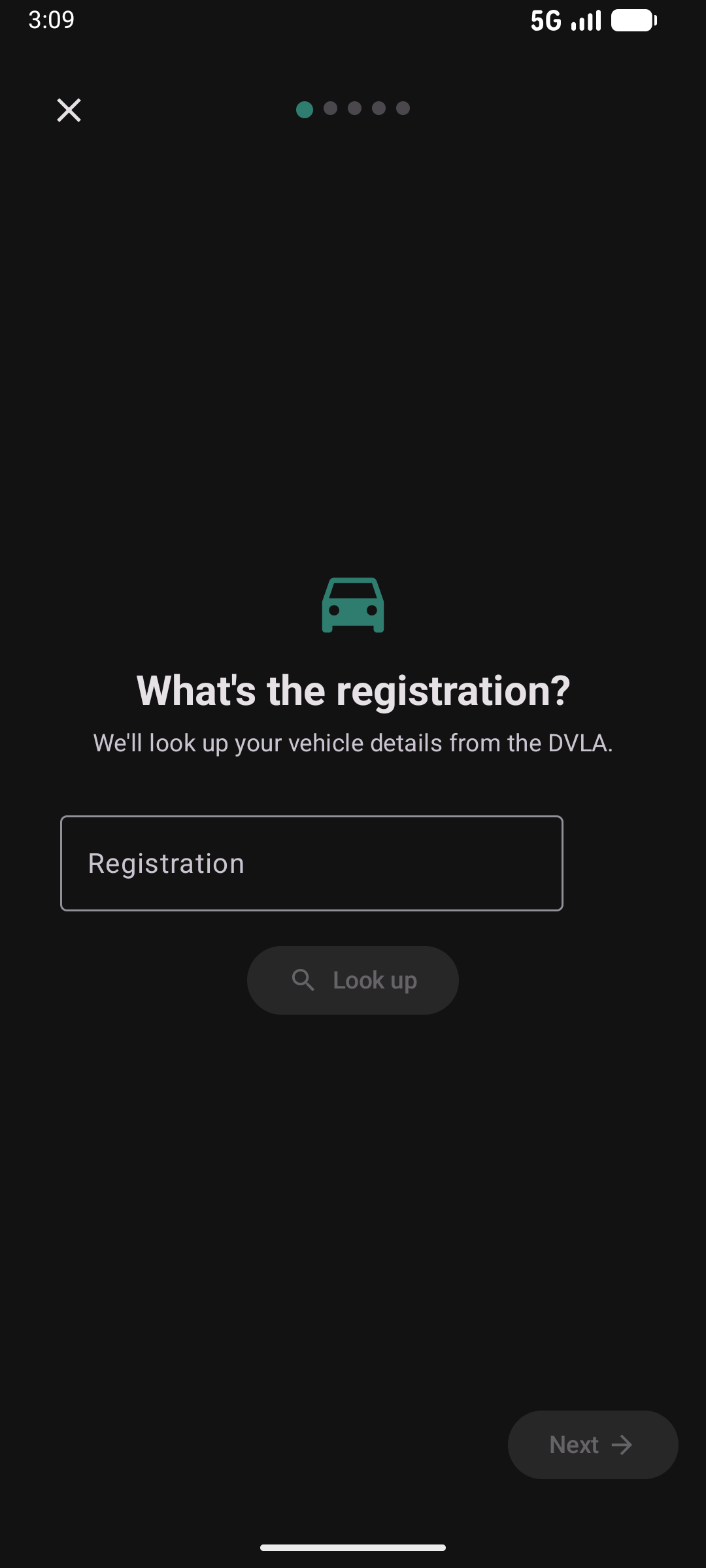
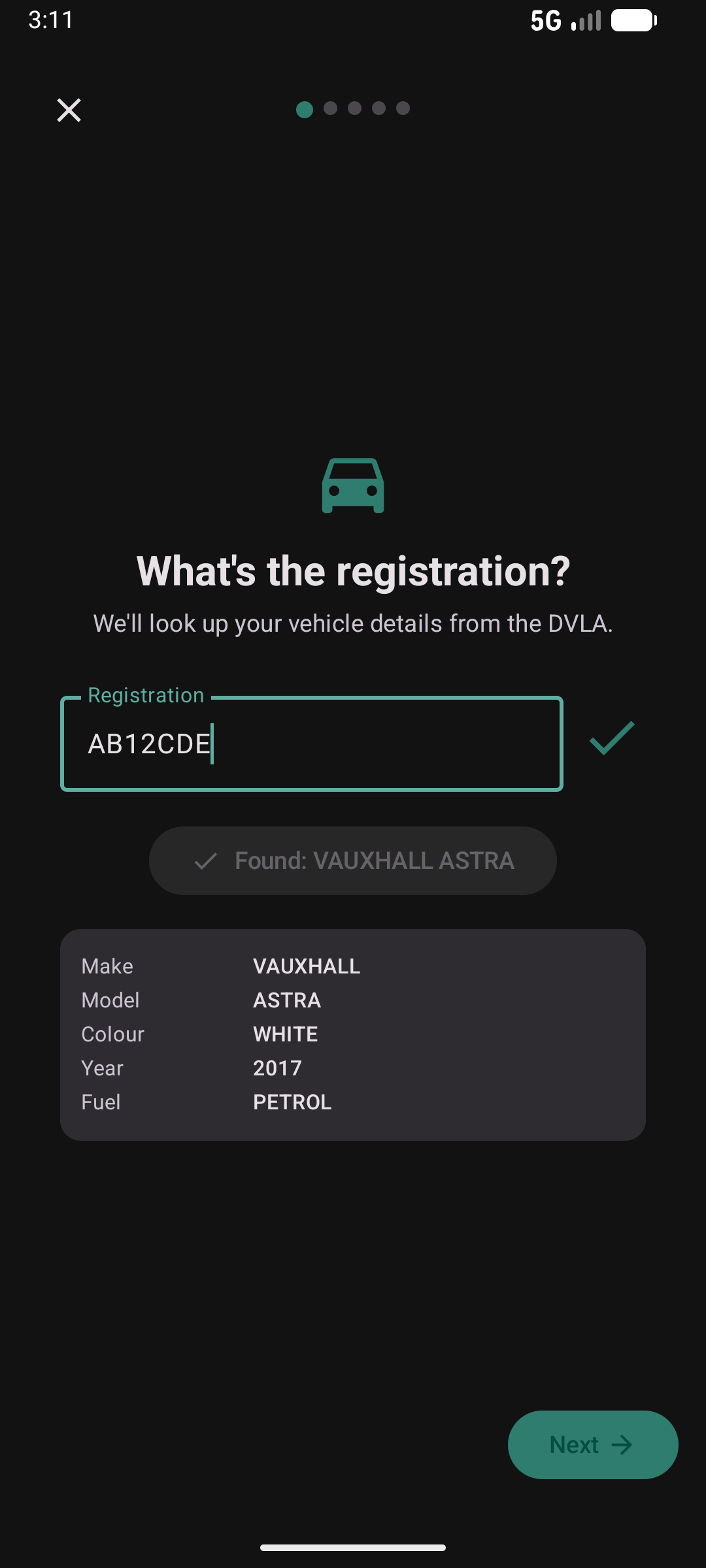
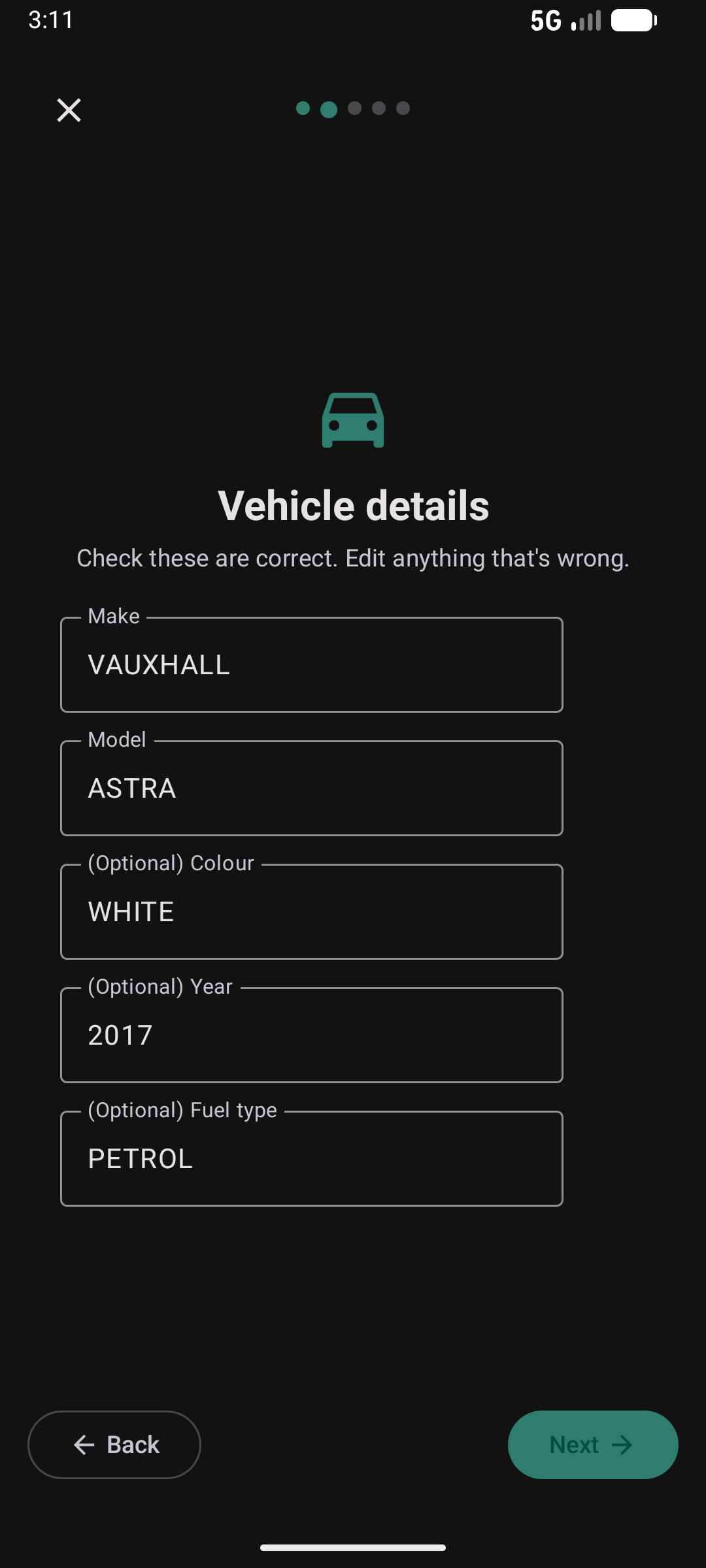
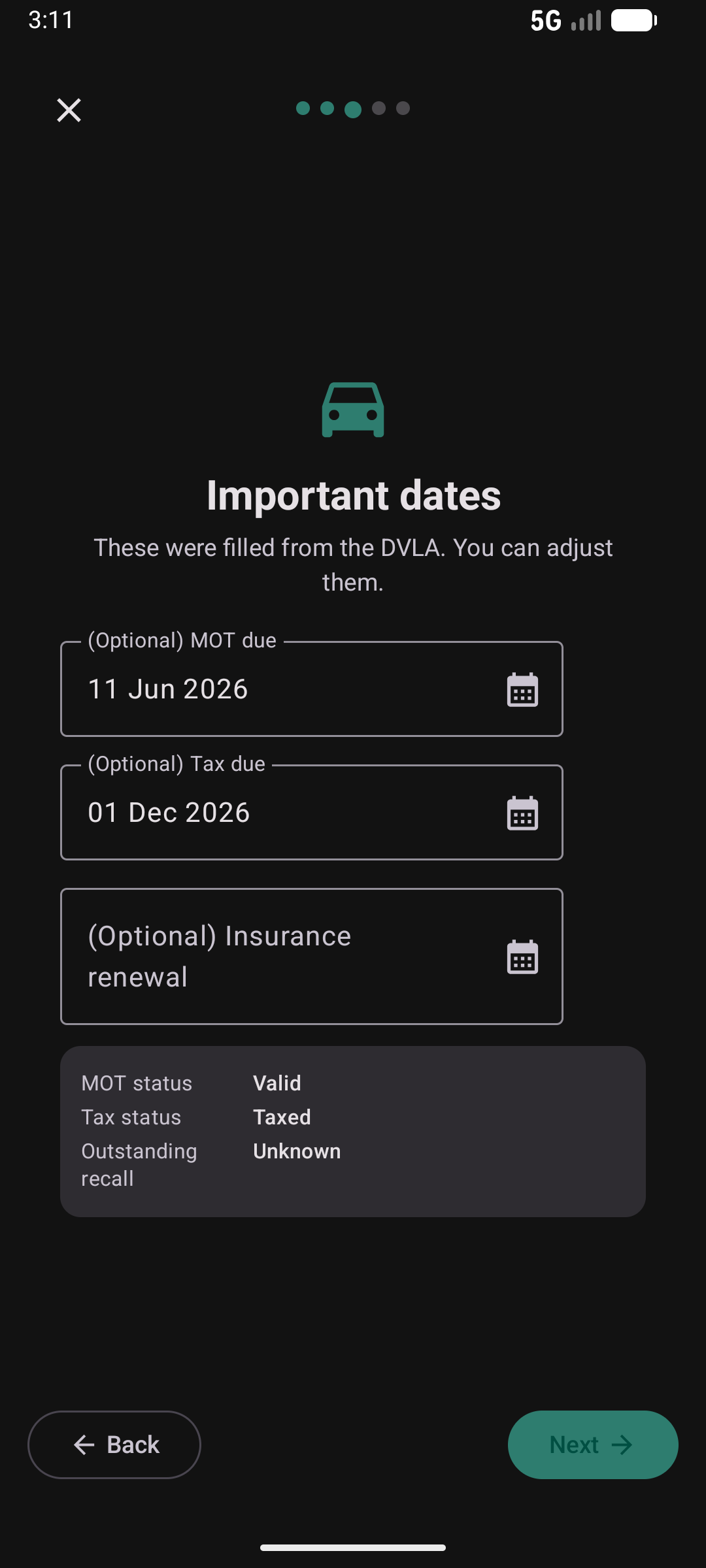
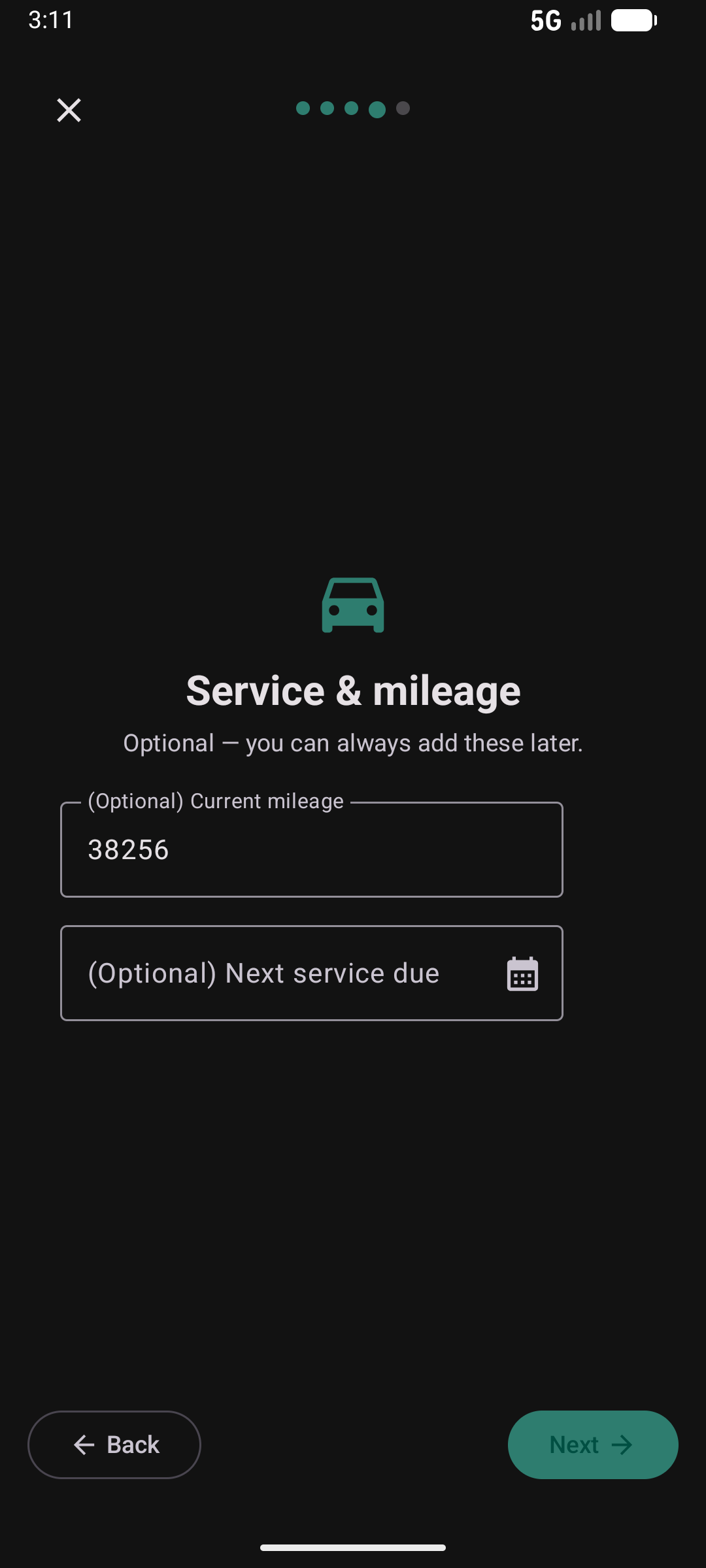
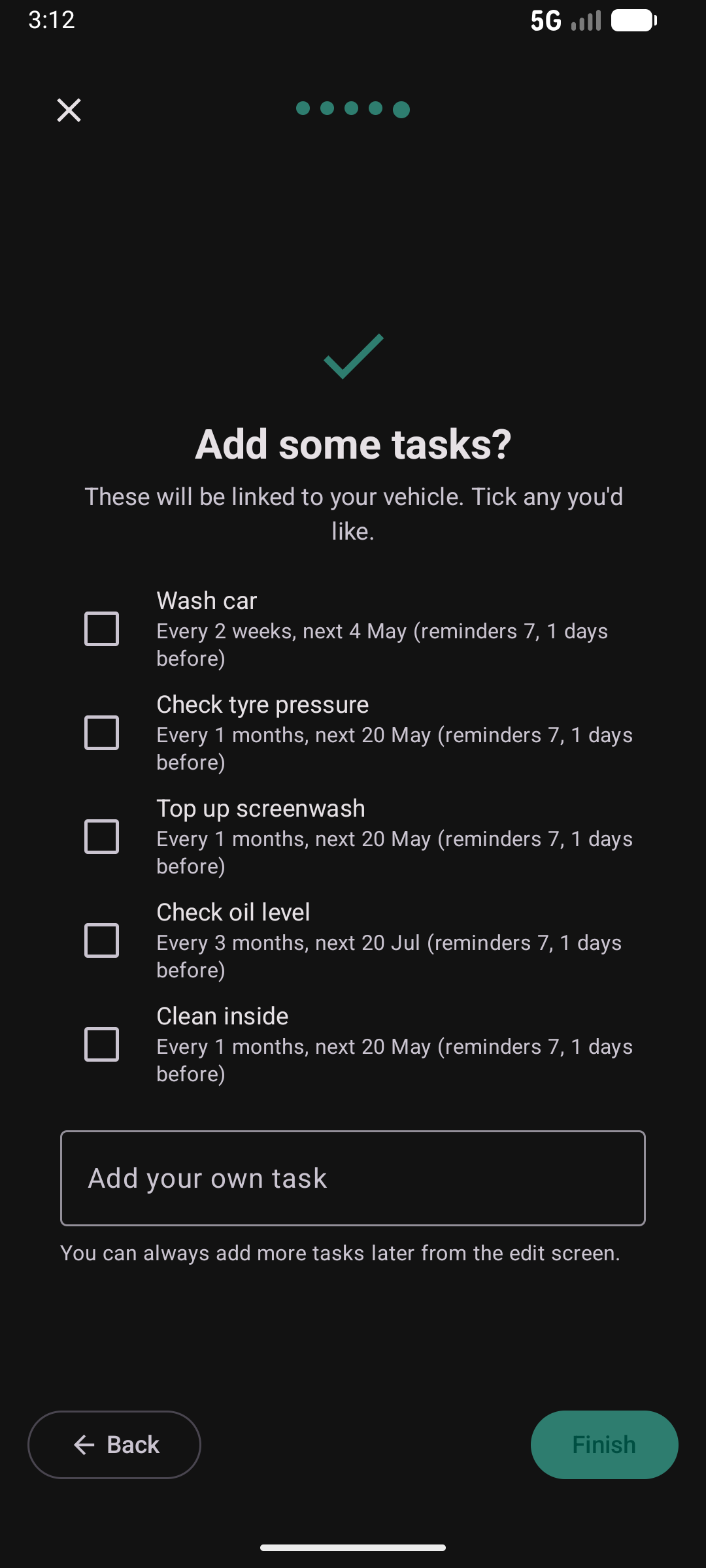
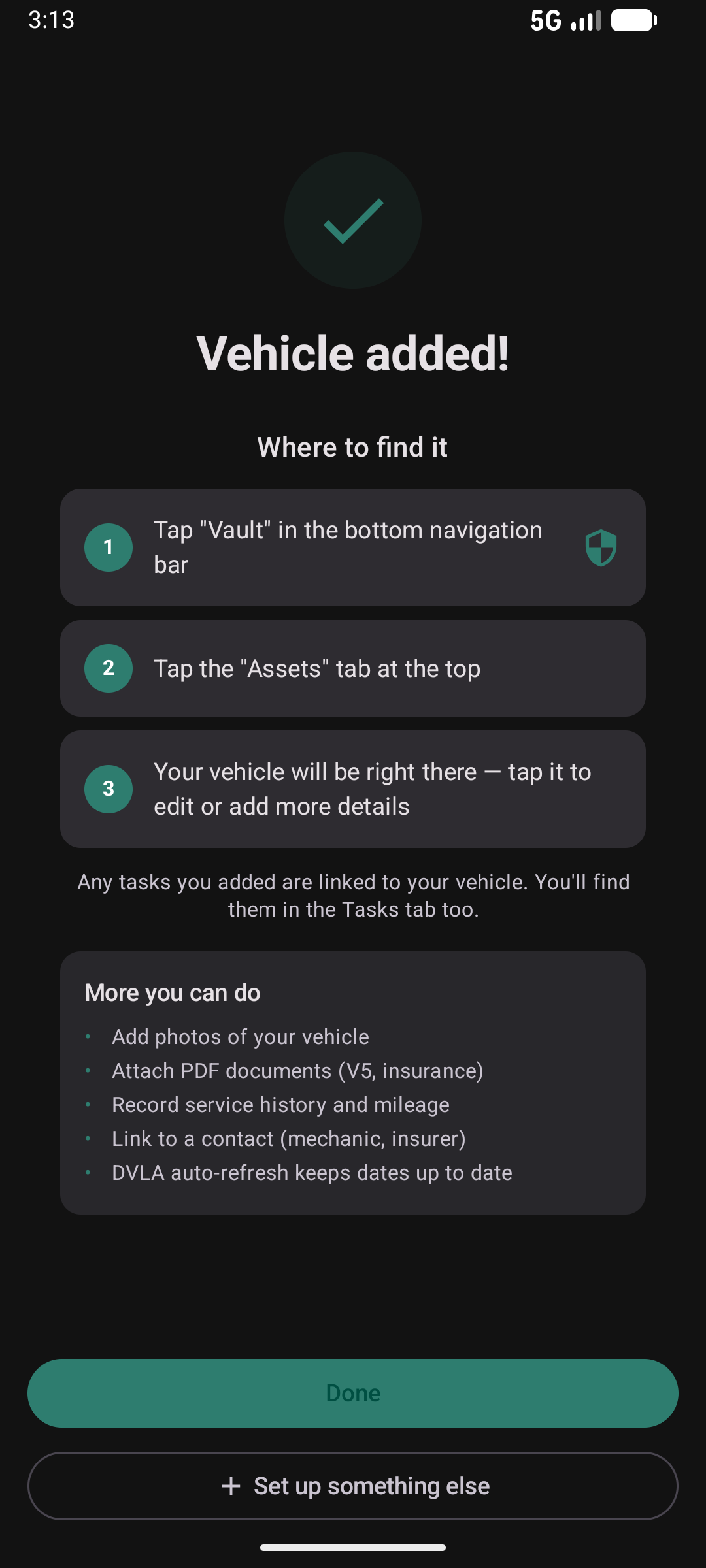
Enter a UK registration and Kepthouse looks up the DVLA record — make, model, tax and MOT expiry all auto-fill. Pick reminders and you're done.
Set Up Bin Reminders
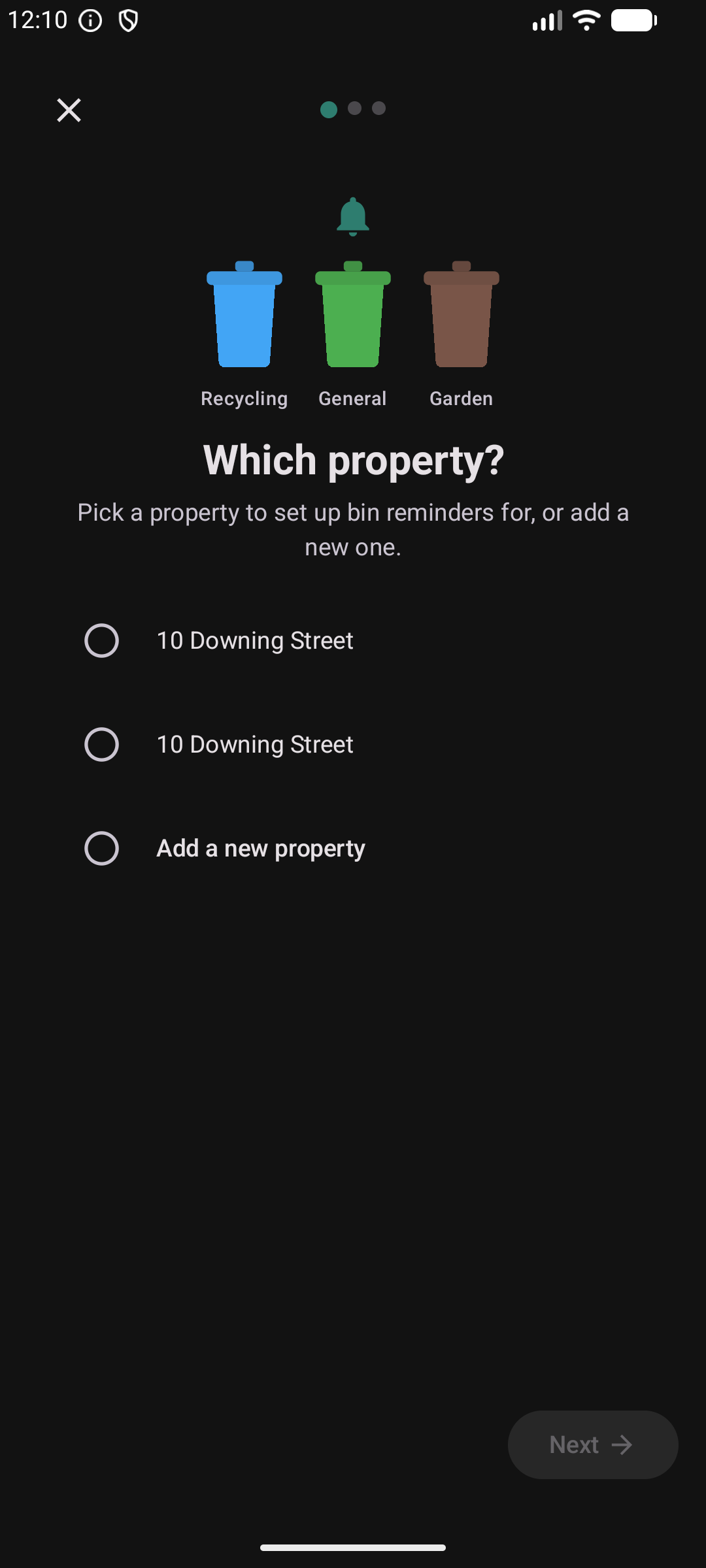
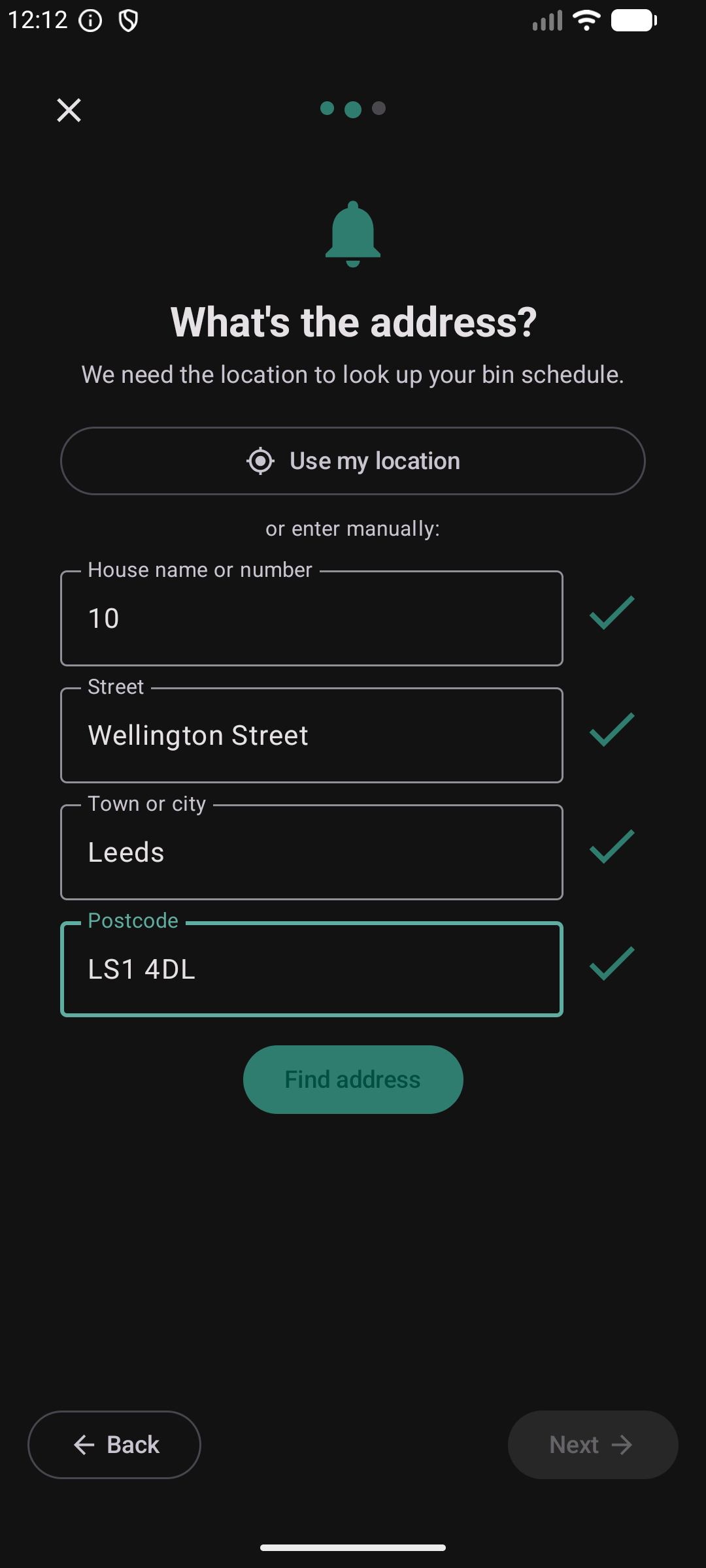
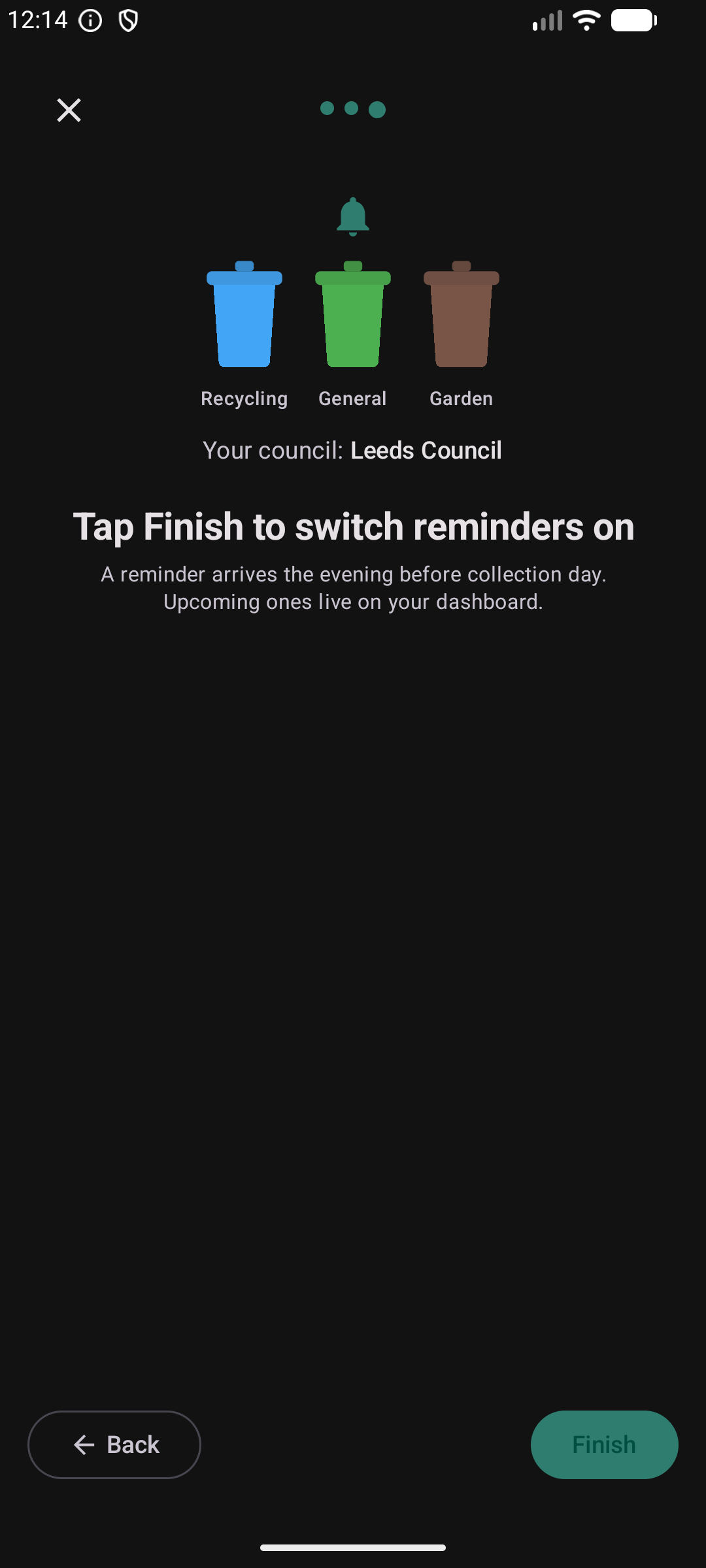
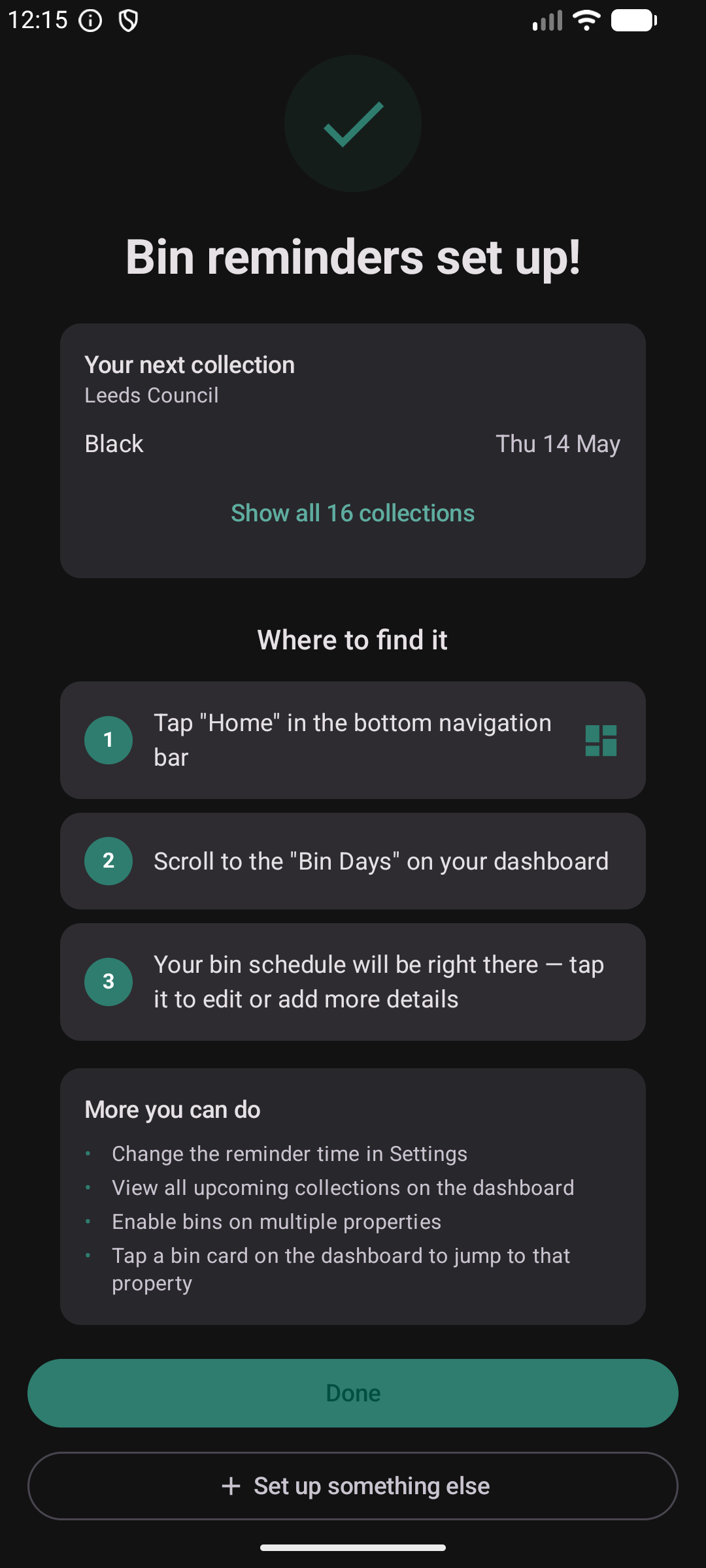
Pick a property, Kepthouse geocodes the address and pulls the council collection schedule. You get a notification the evening before every bin day.
Set Up a Property
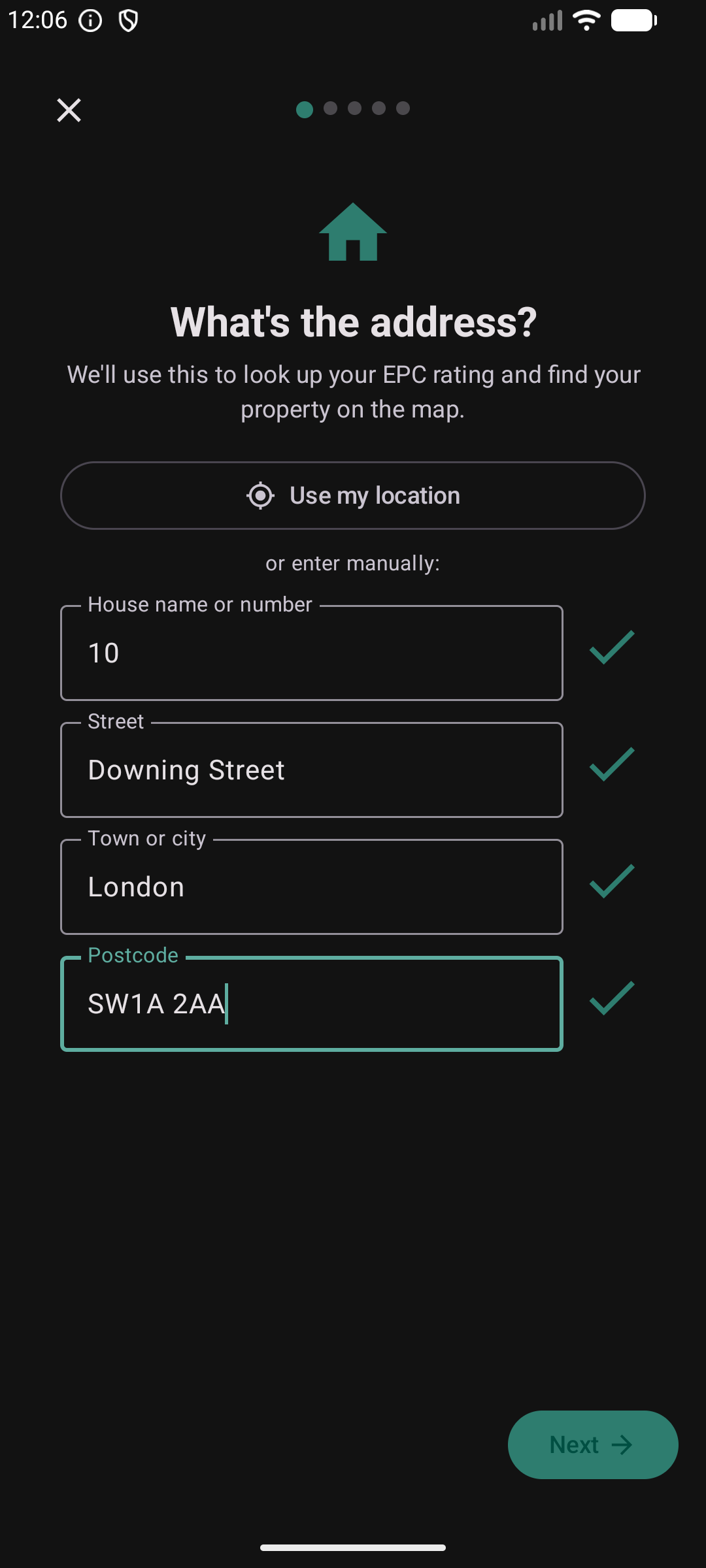
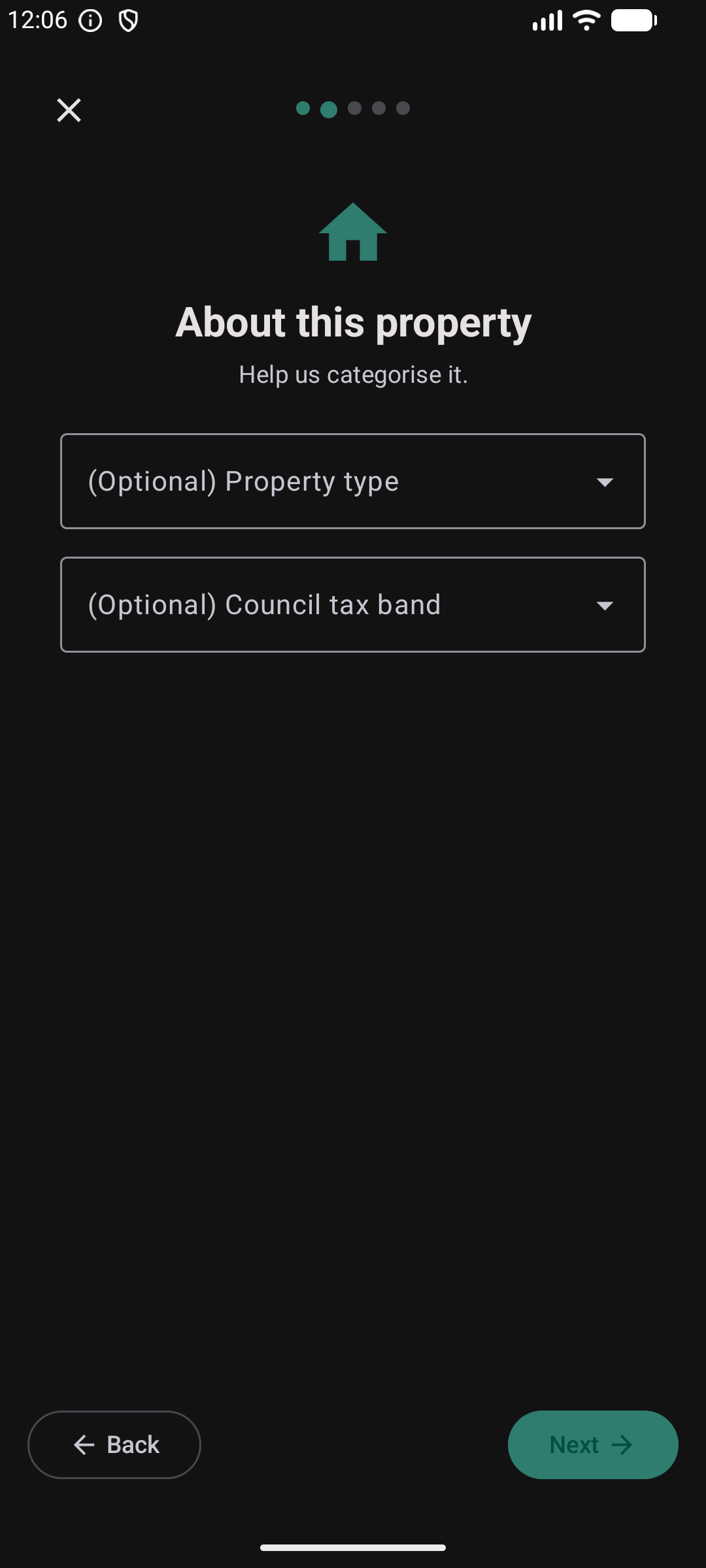
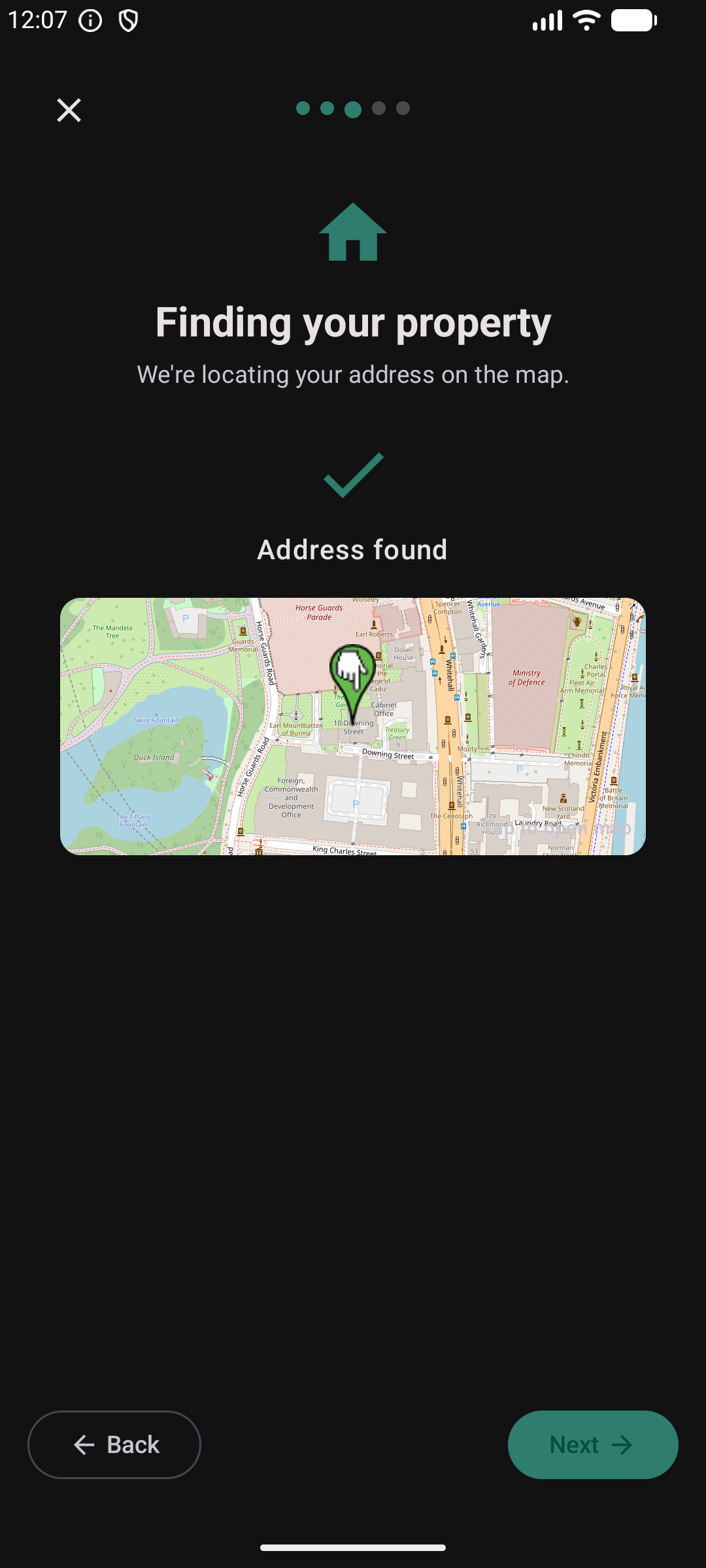
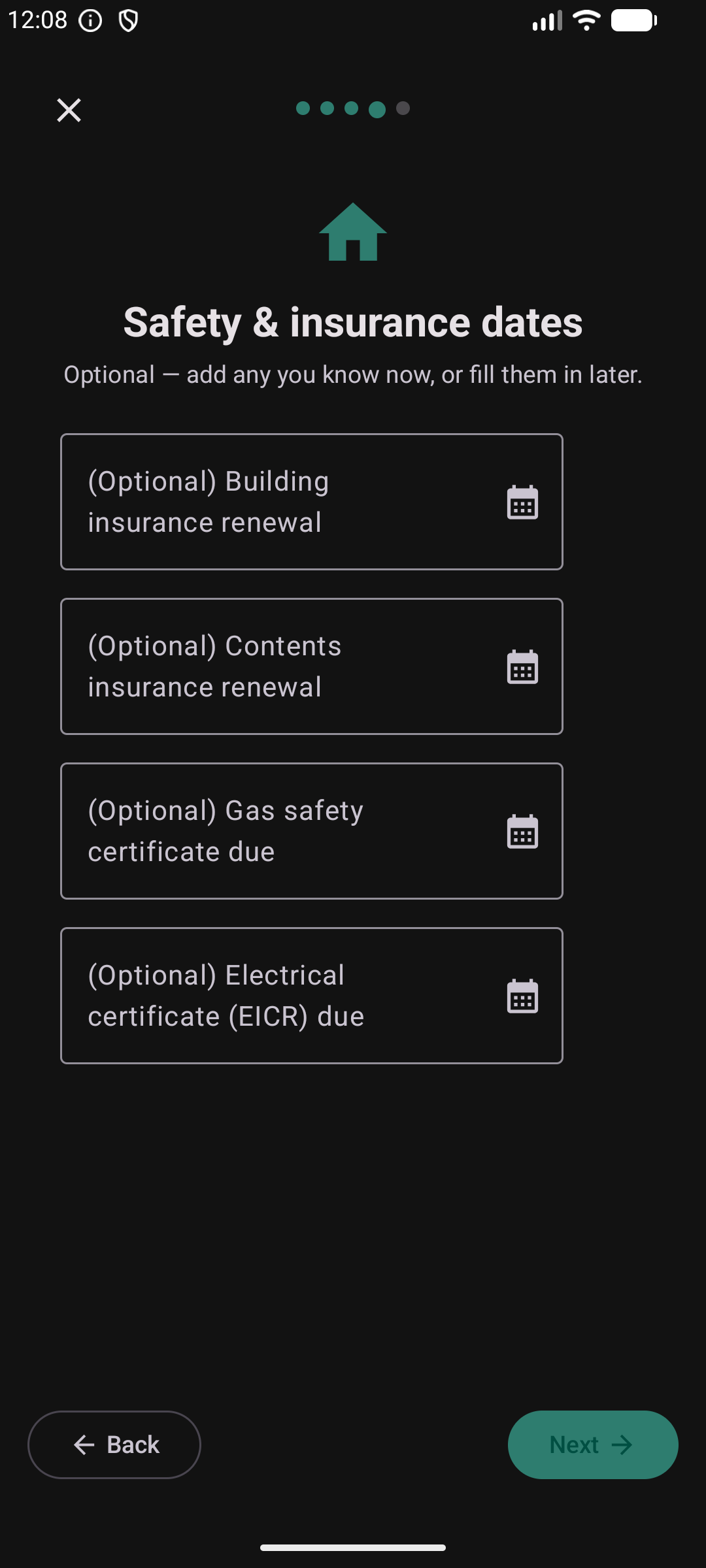
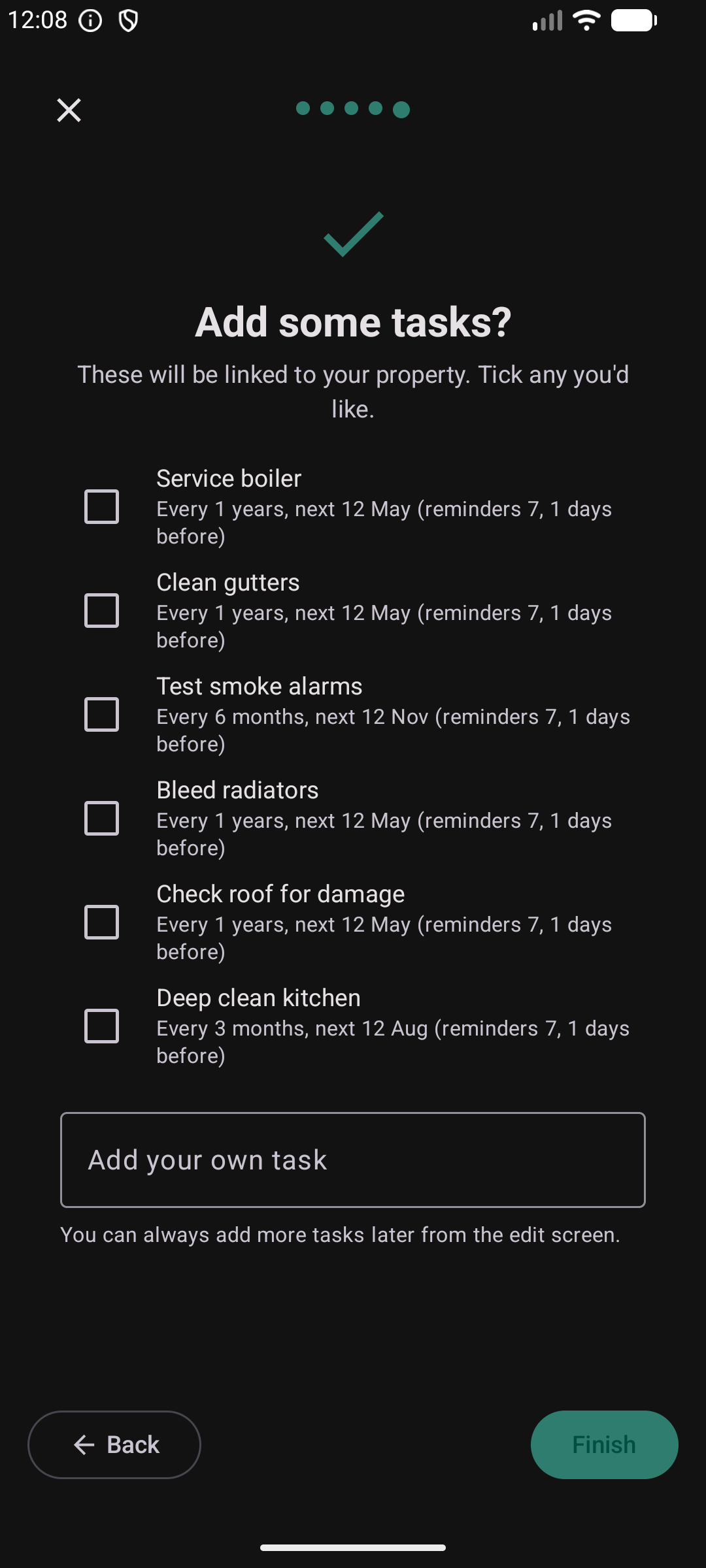
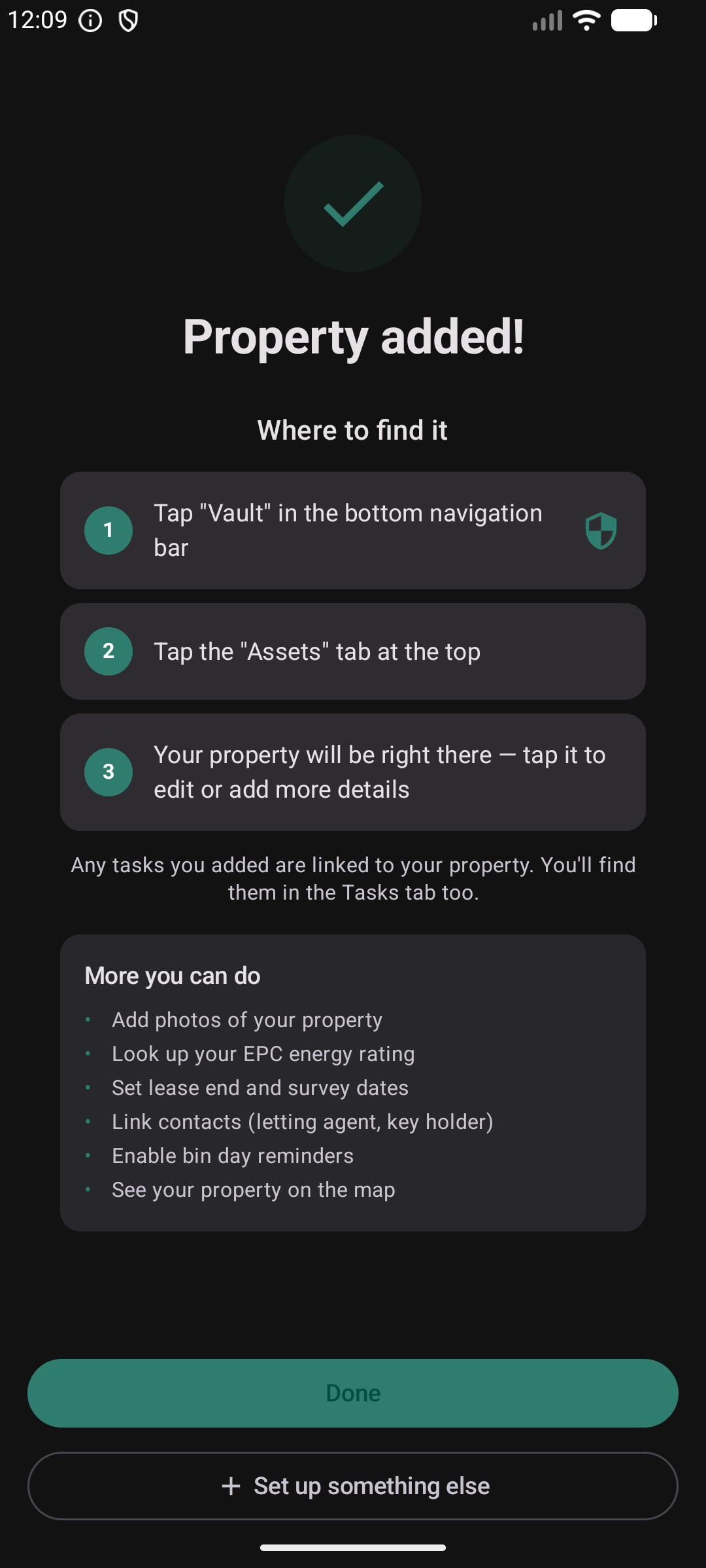
Type an address, Kepthouse places it on the map, looks up the EPC rating, and pre-fills common maintenance tasks you can tick on or off.
Start a Project
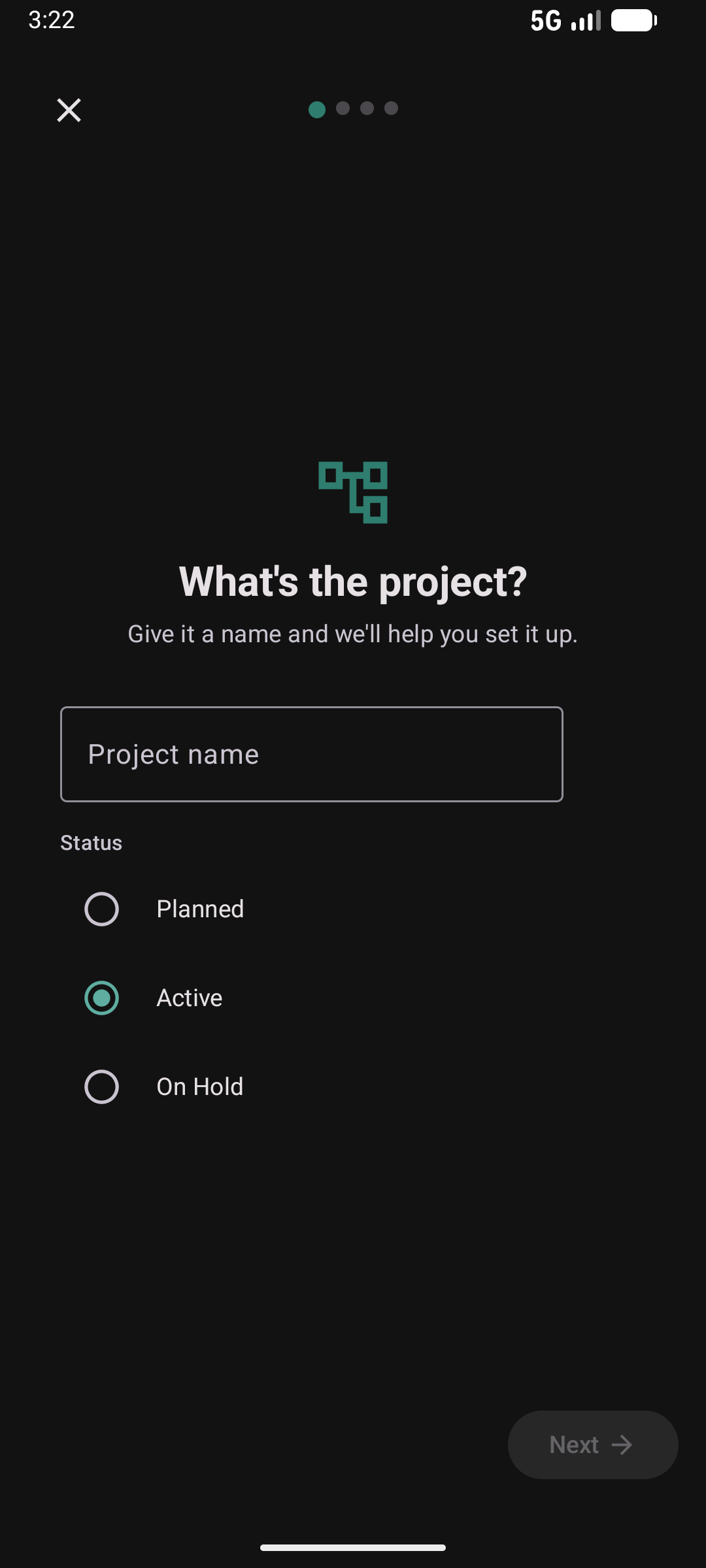
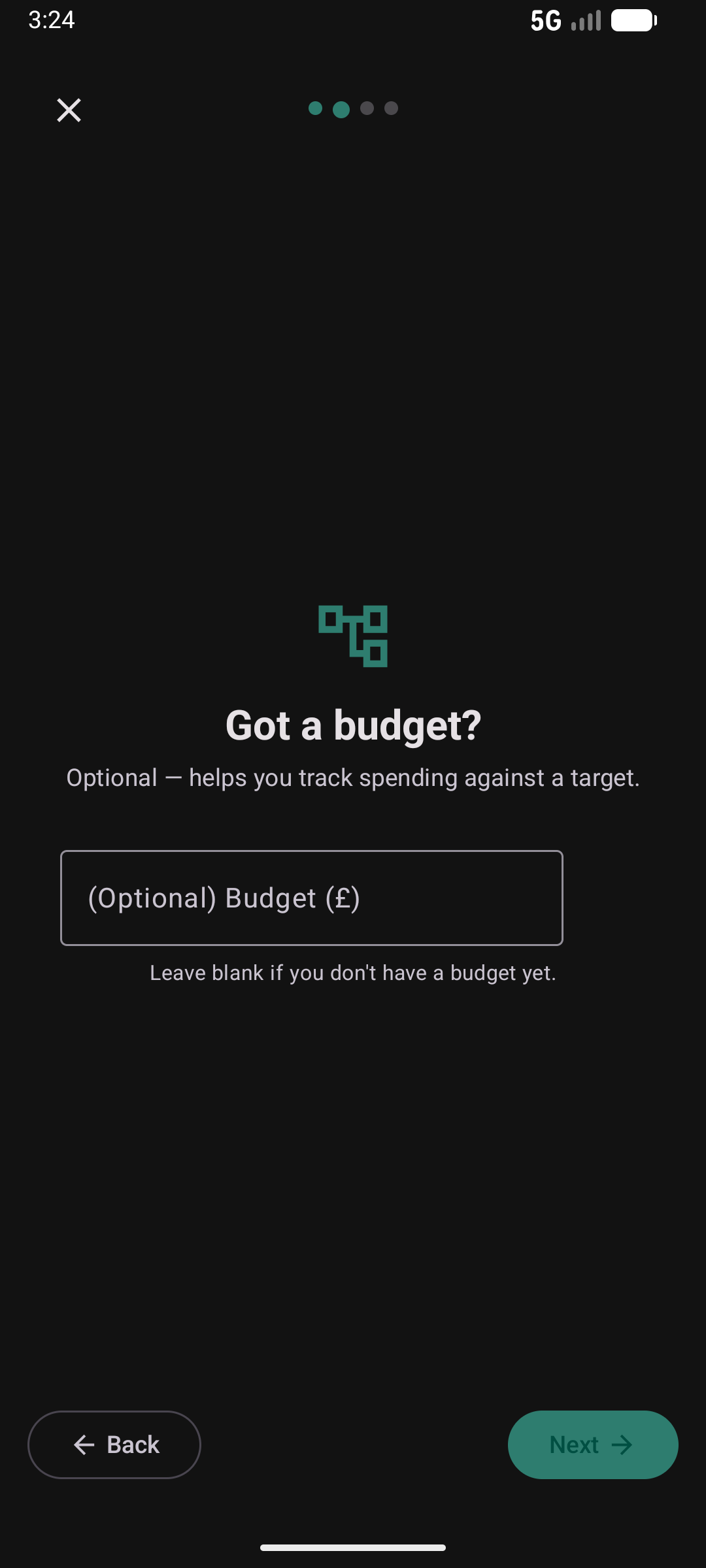
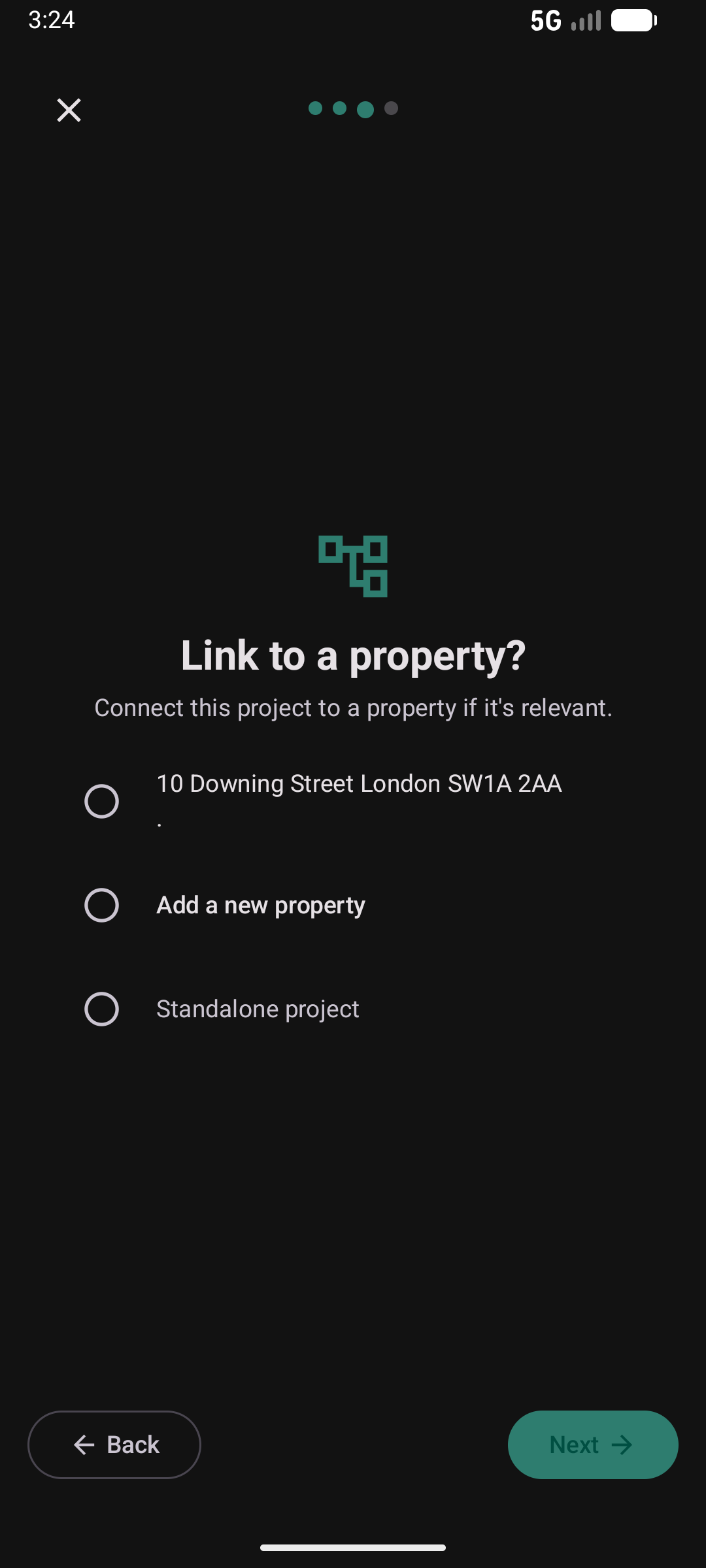
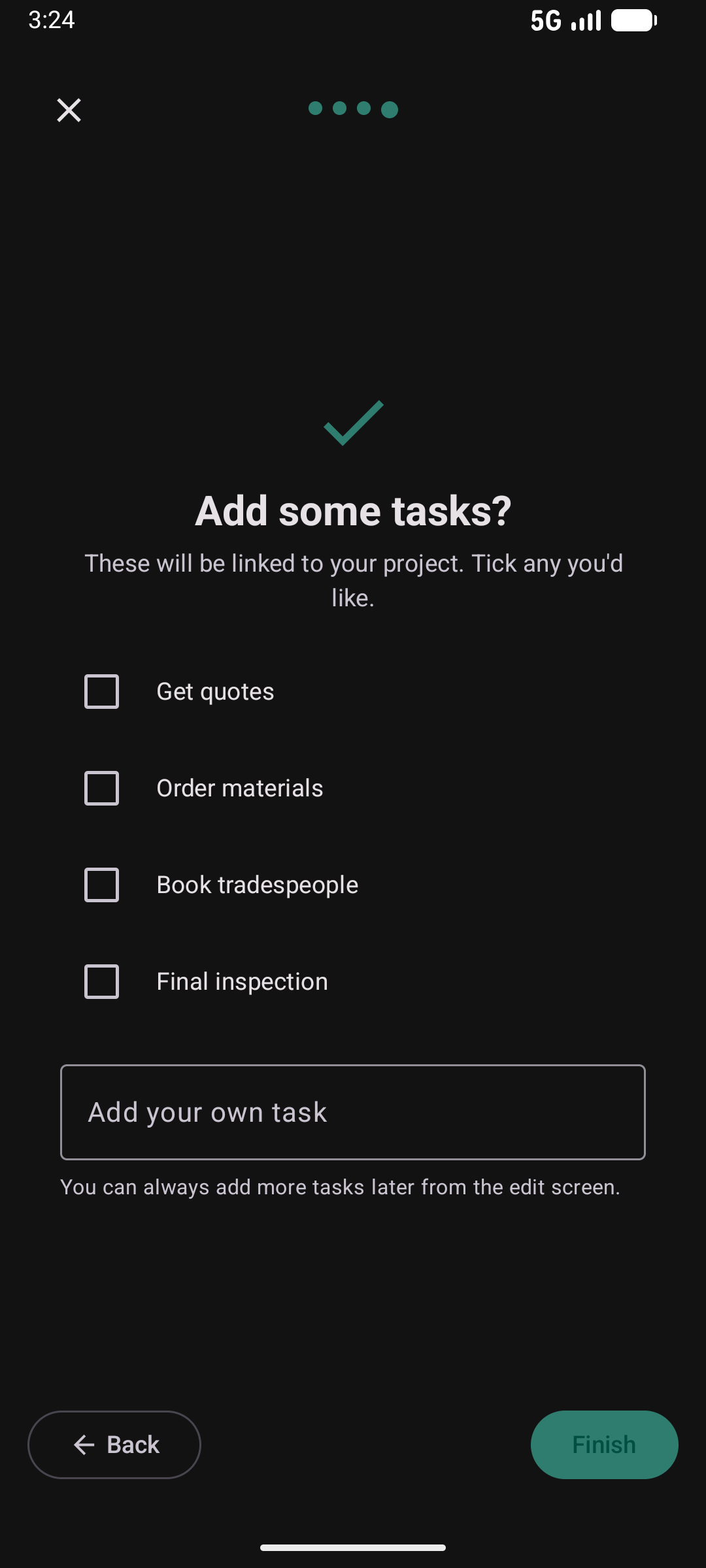
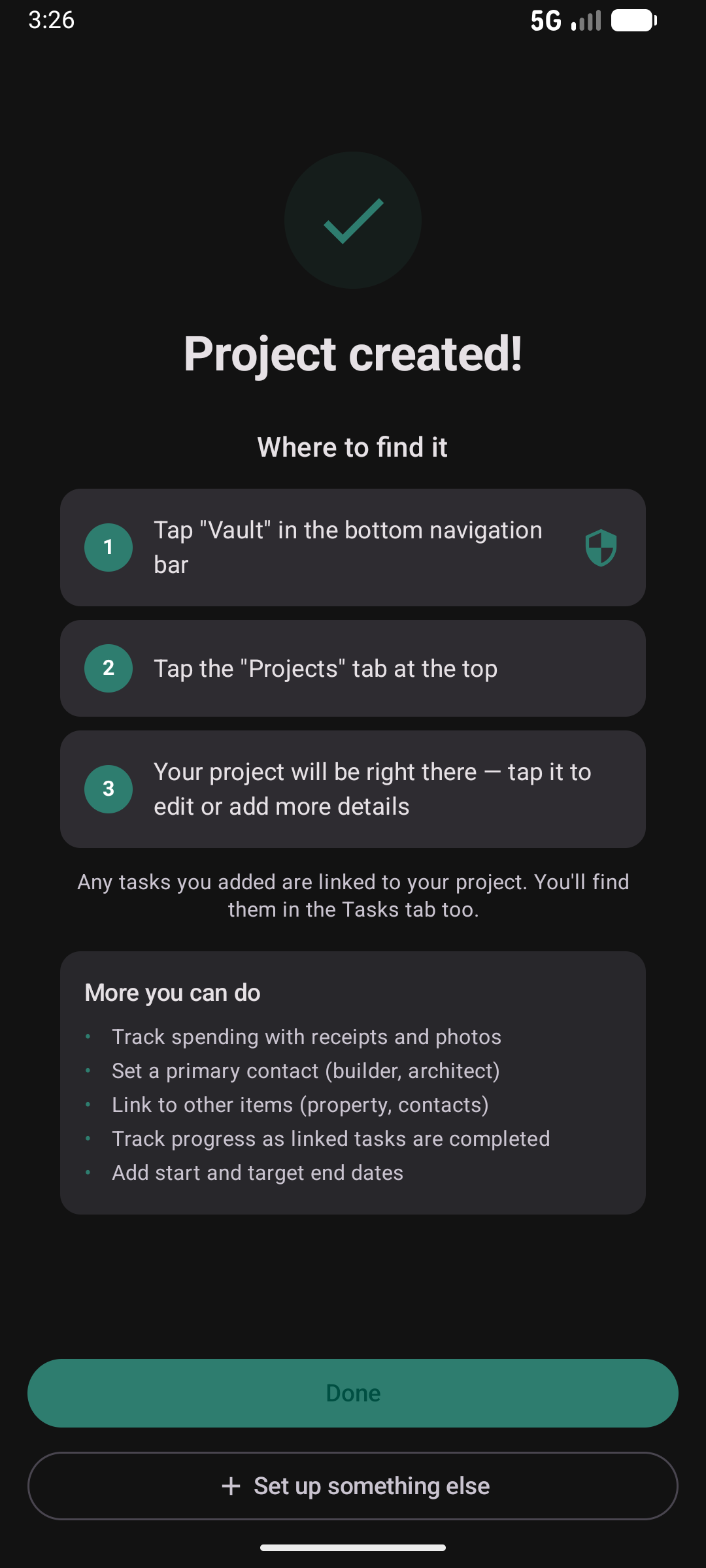
Name the project, set a budget, link it to a property, and tick the tasks you'll need. Everything hangs together so you can track progress, spend and reminders in one place.
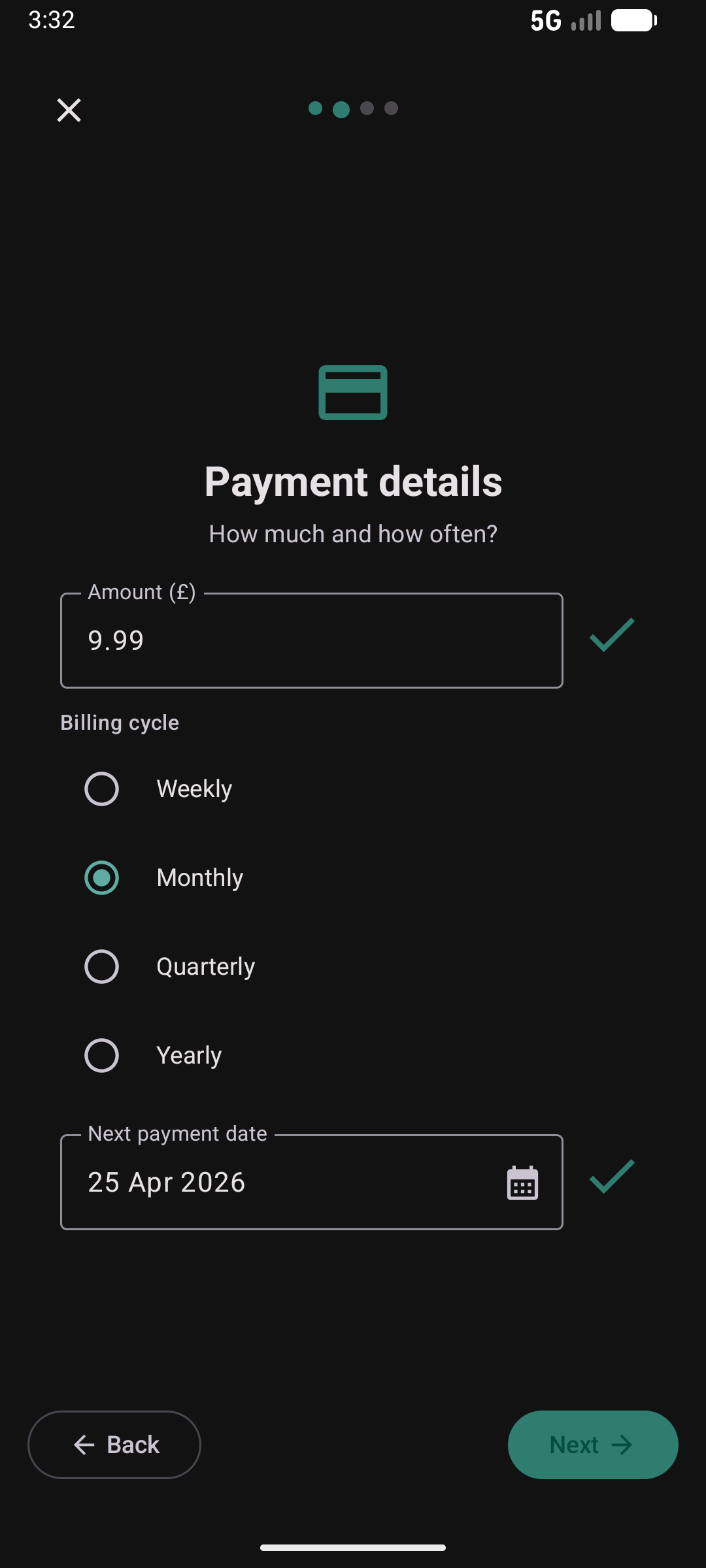
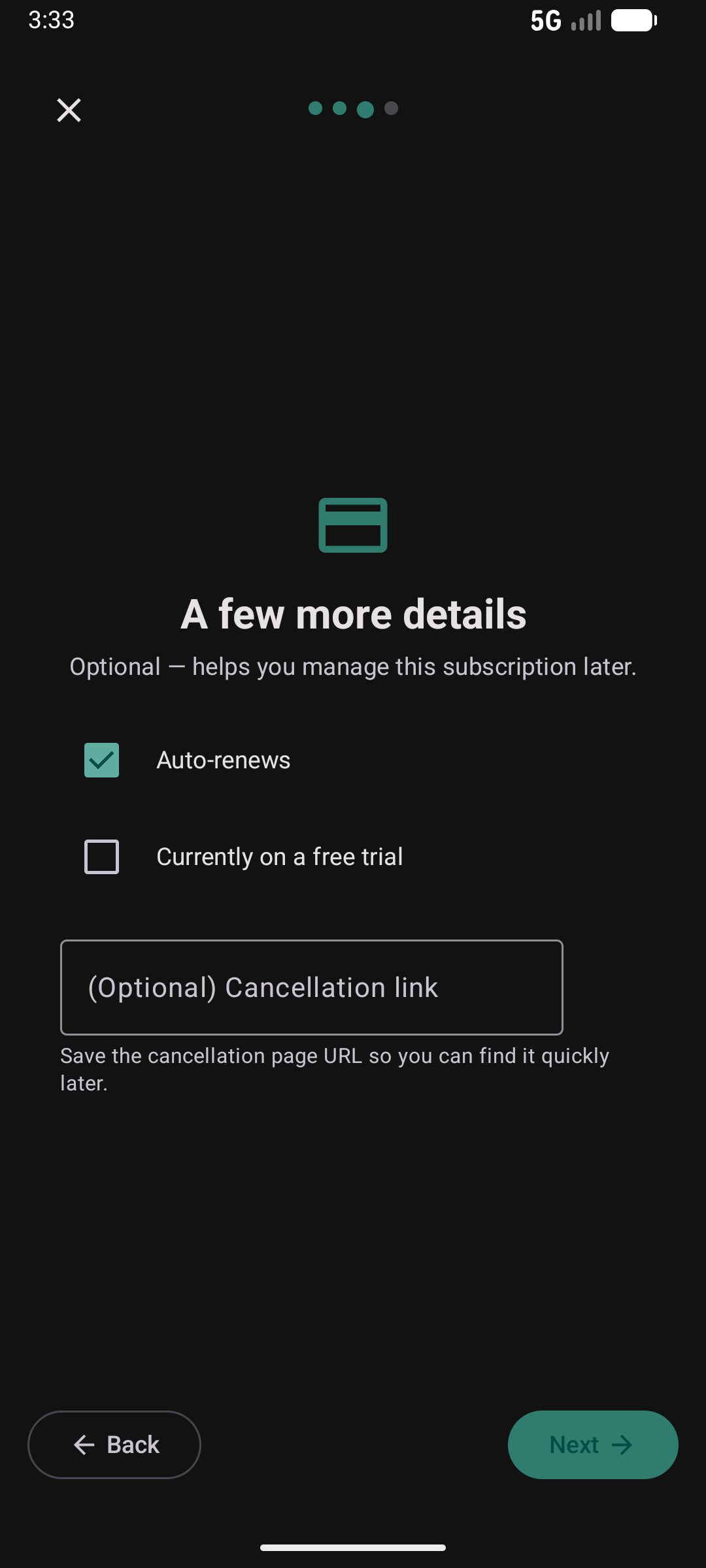
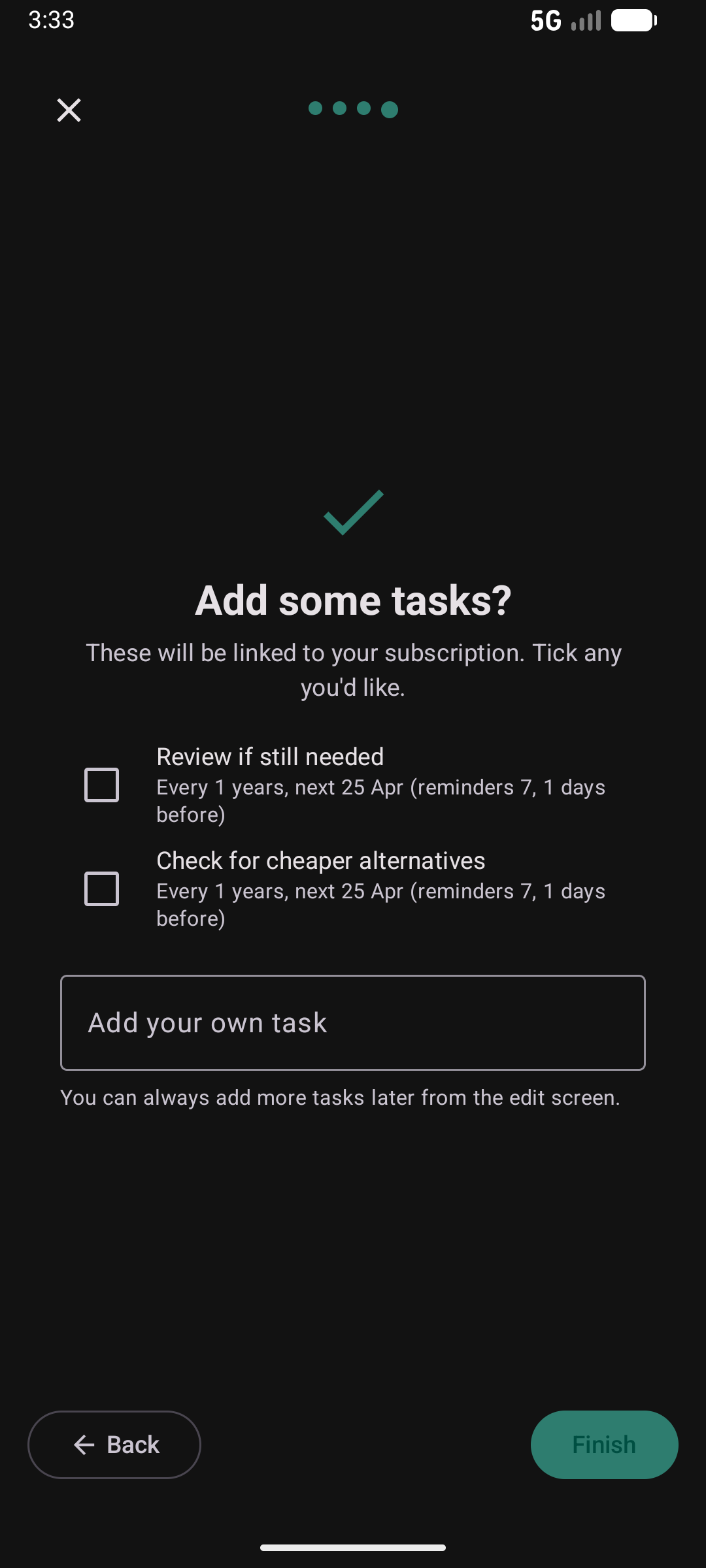
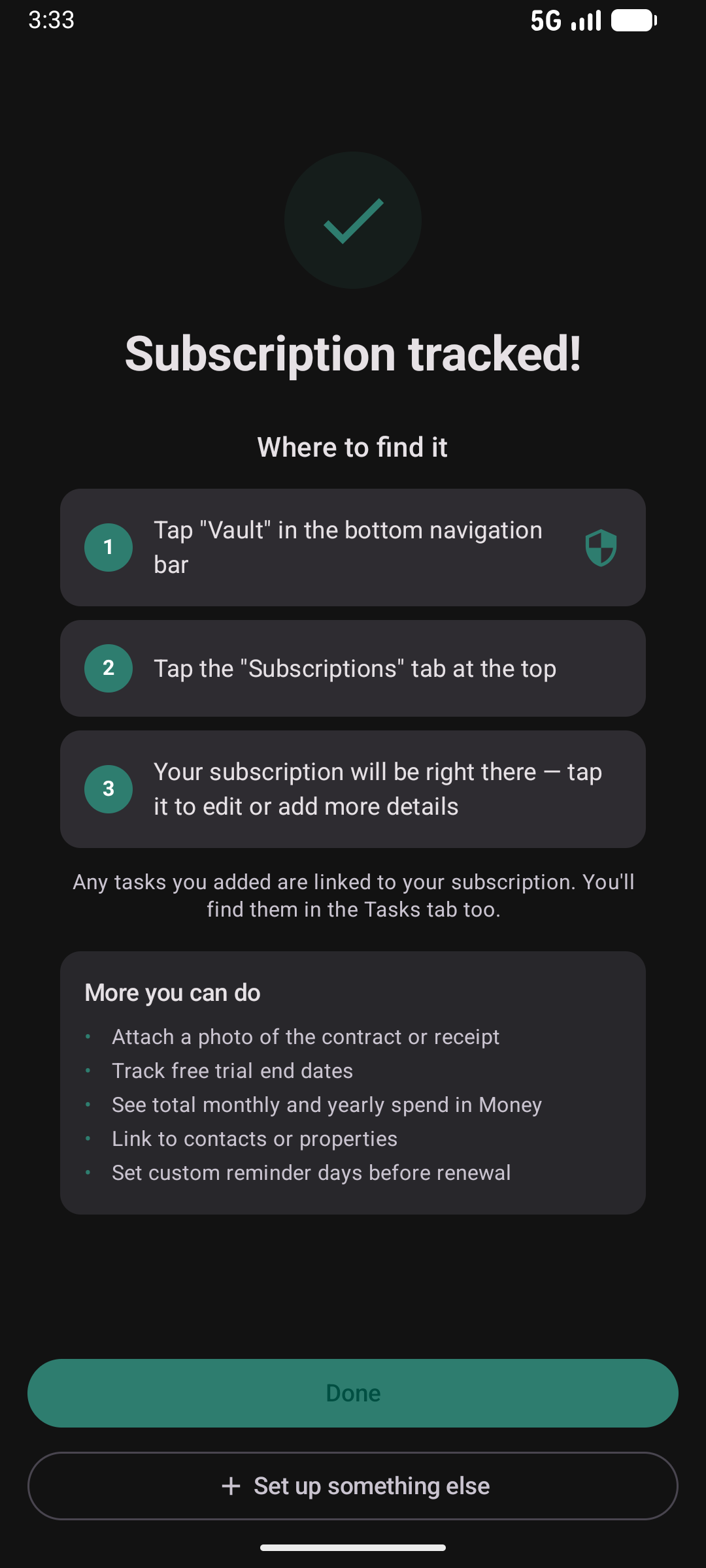
Track a Subscription
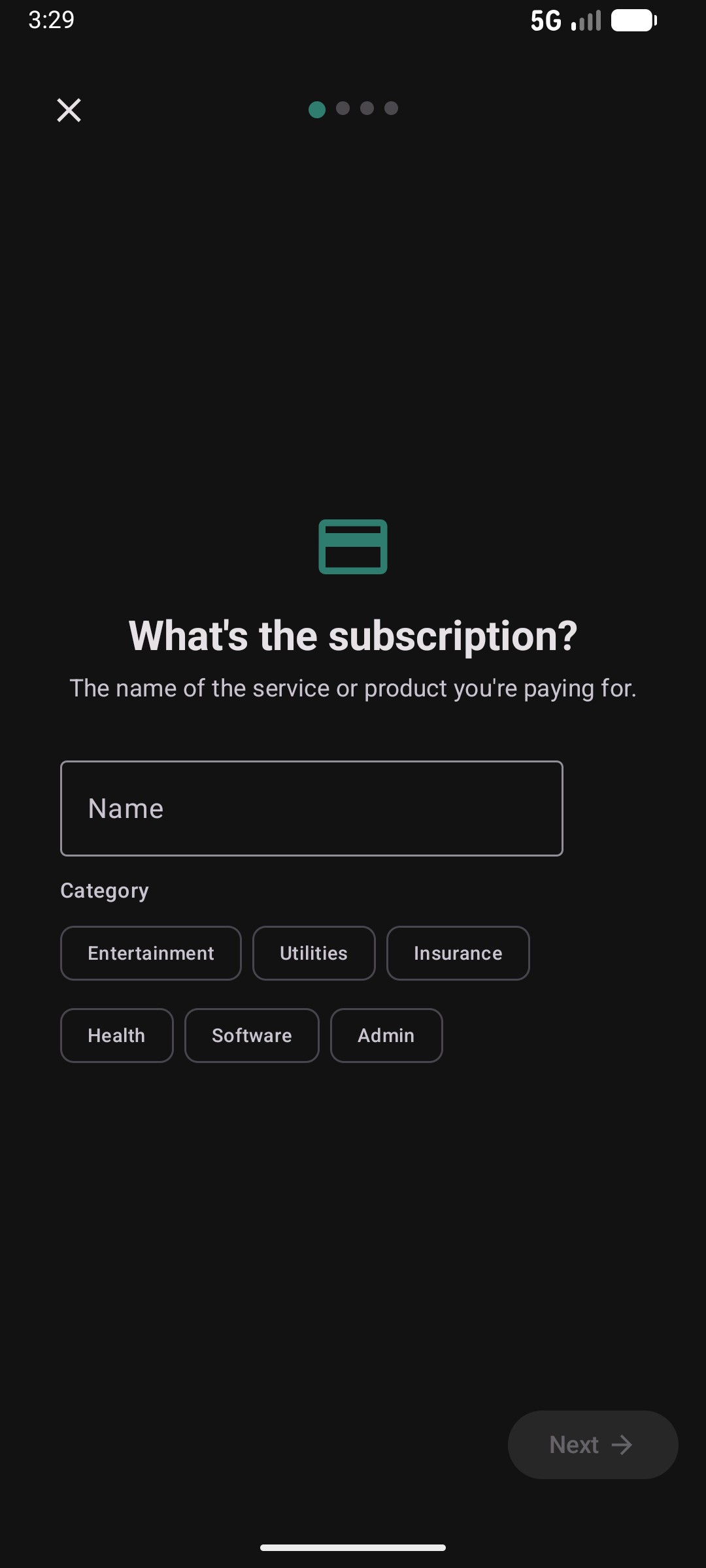
Add the name, amount, billing cycle and next payment date. Kepthouse schedules renewal reminders and shows it alongside your monthly and yearly spend.
Add a Reminder
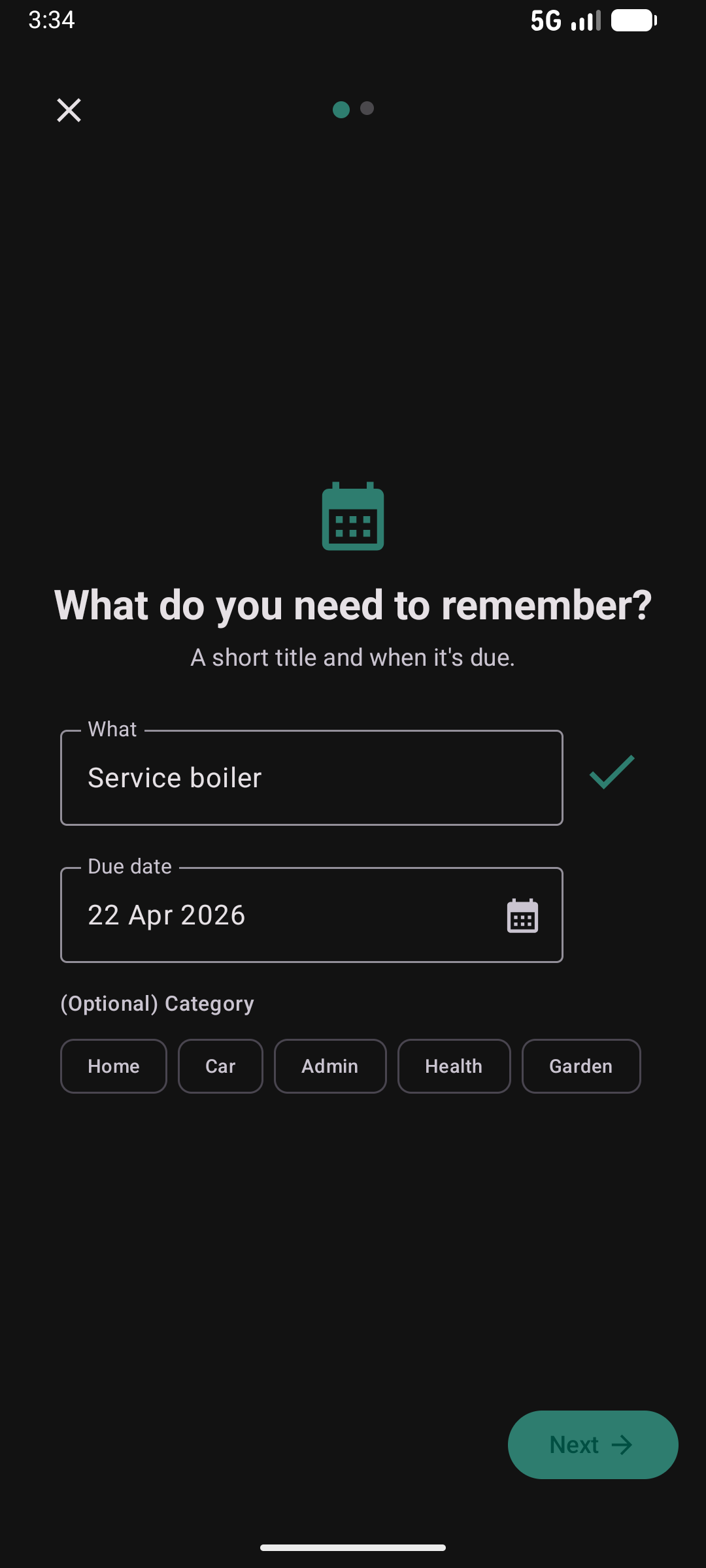
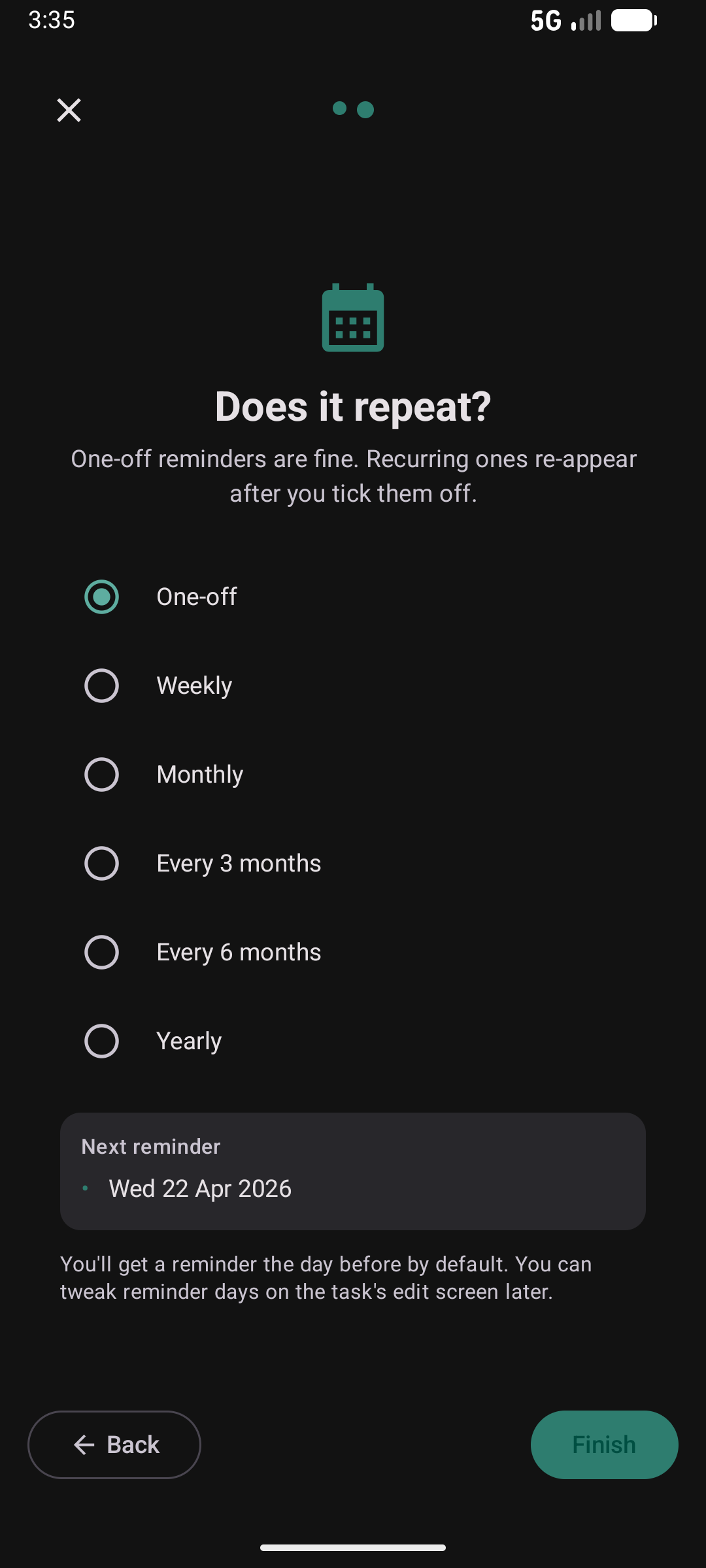
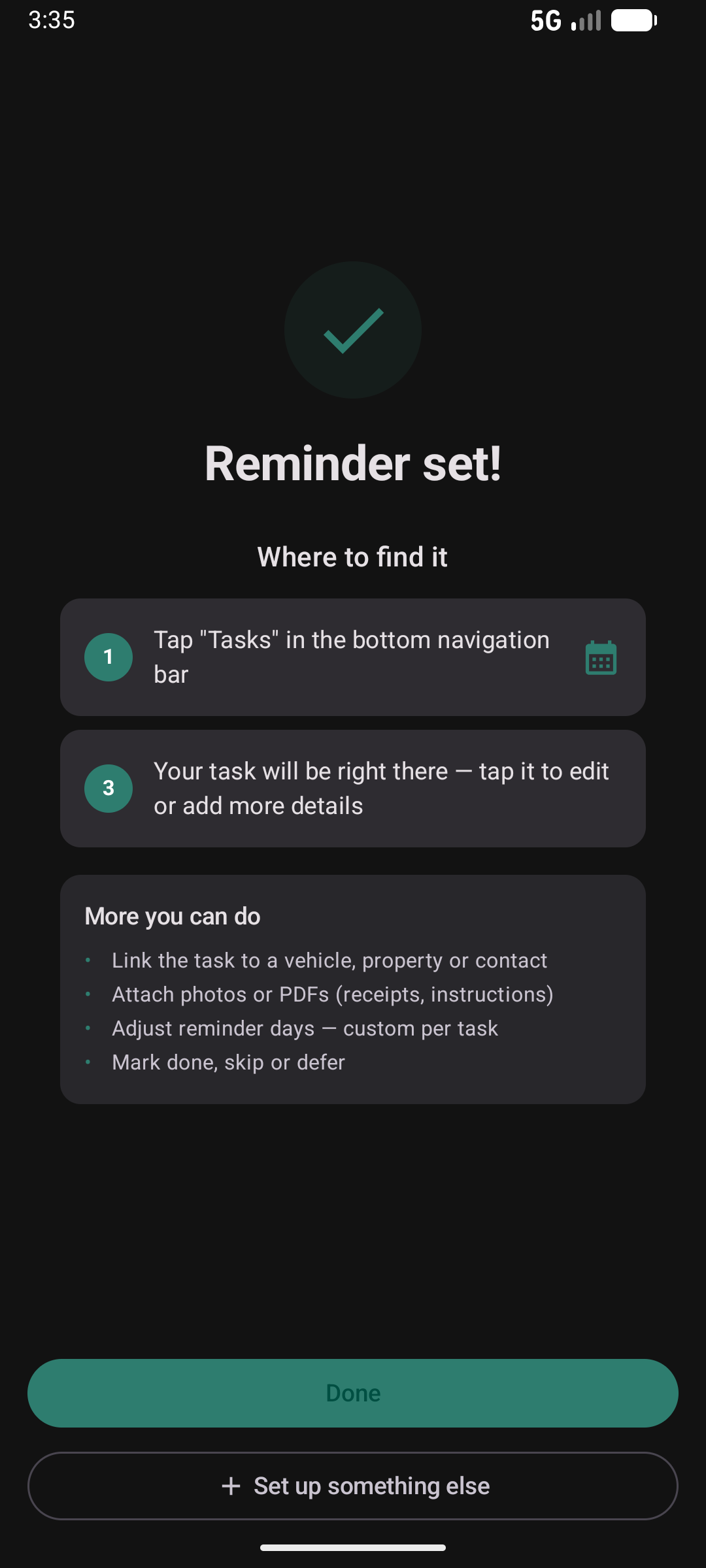
The quickest way to start — just a title, a date, and an optional repeat. One-off reminders and recurring tasks both land in your Tasks tab.
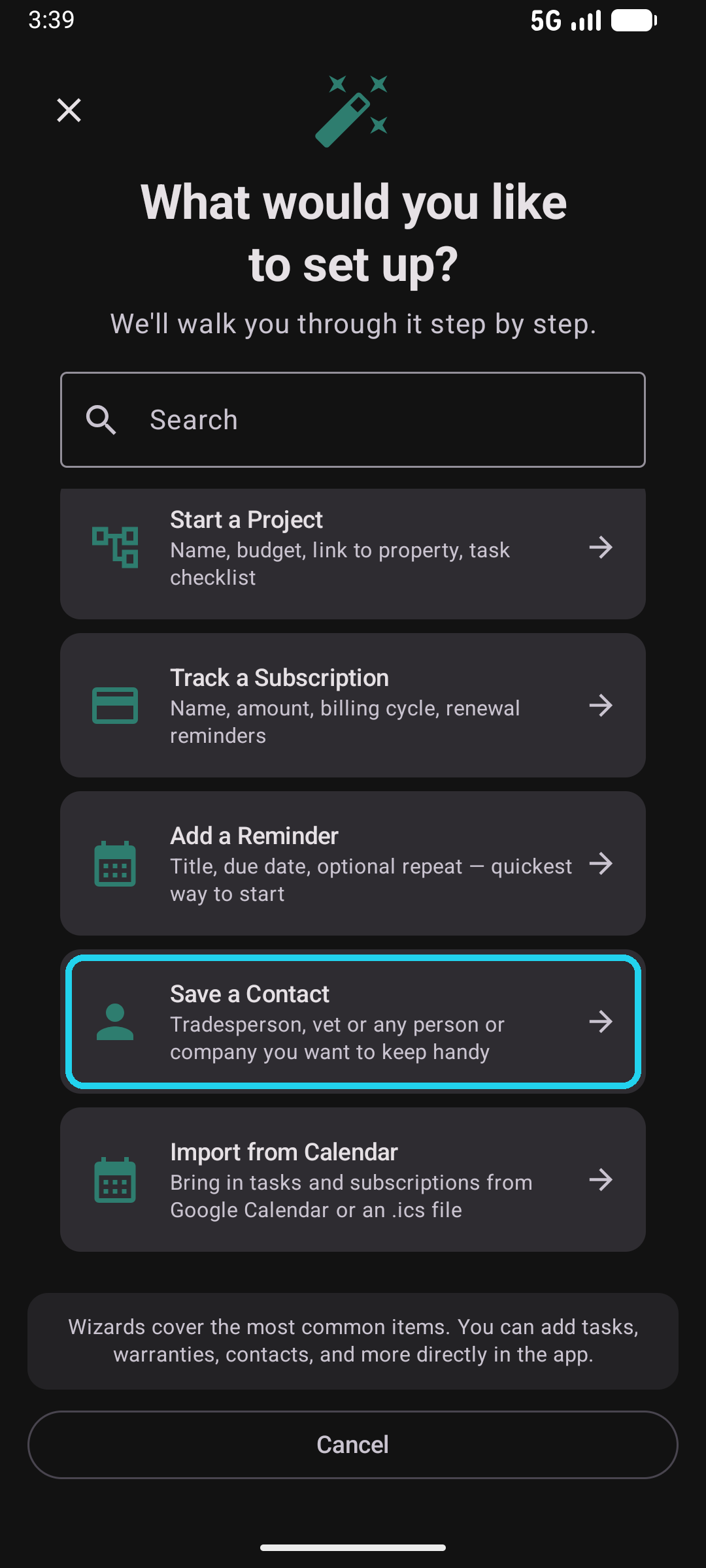
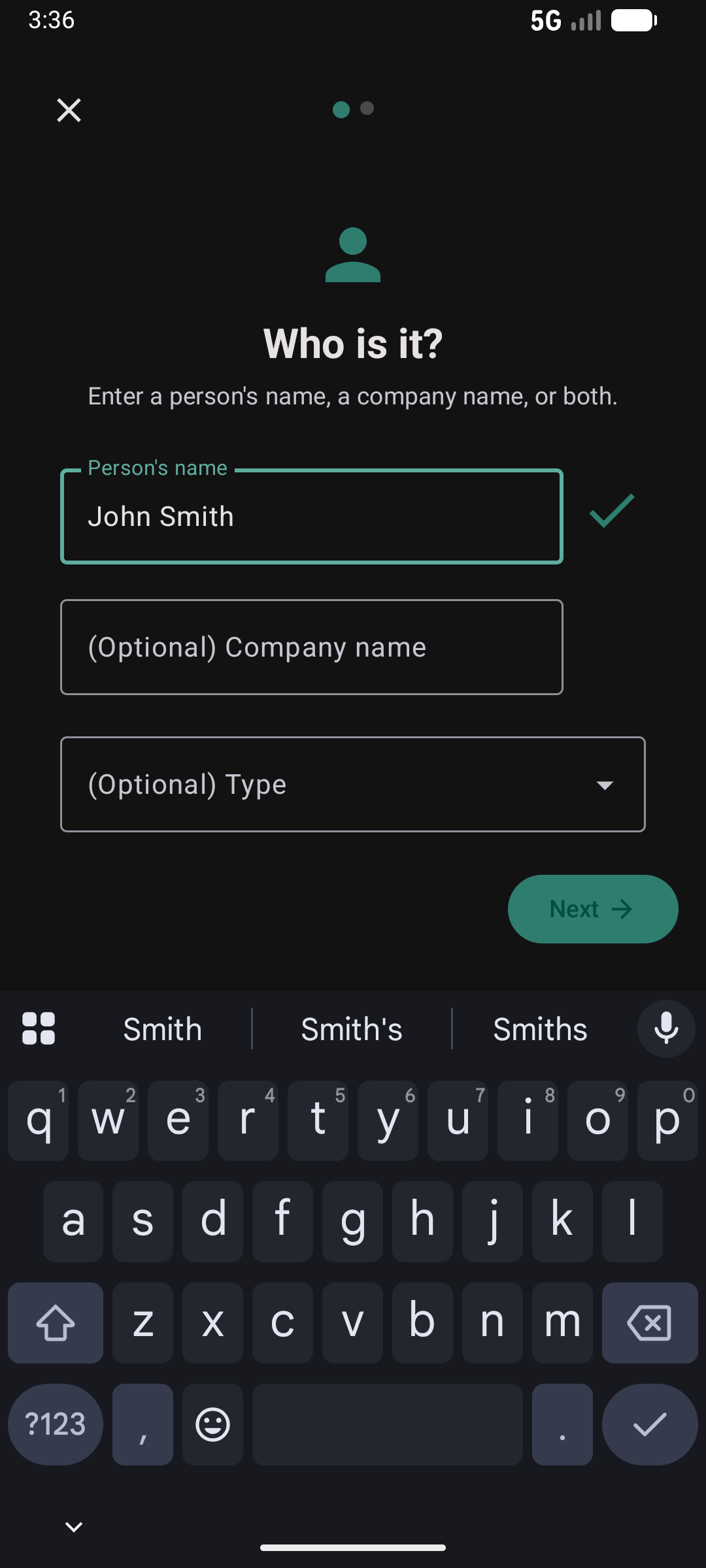
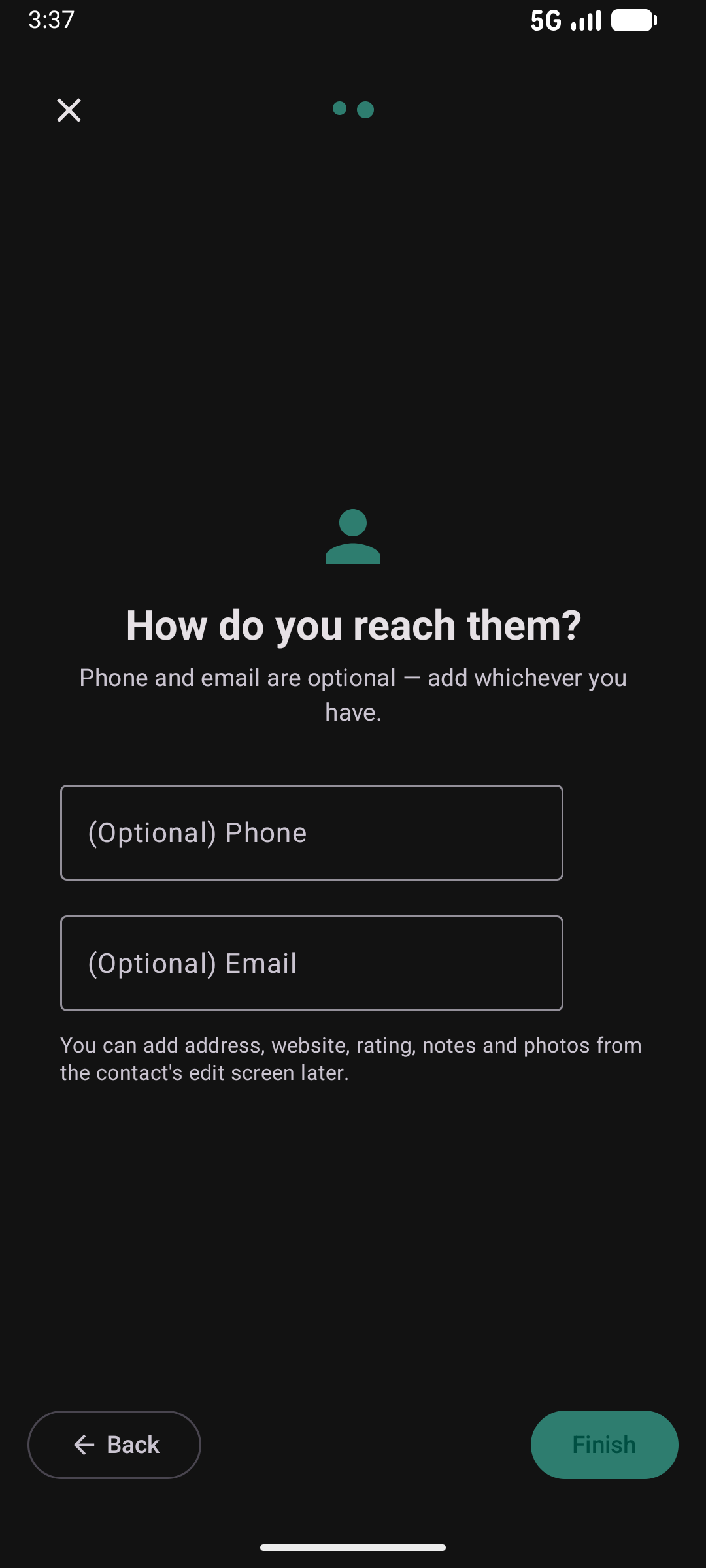
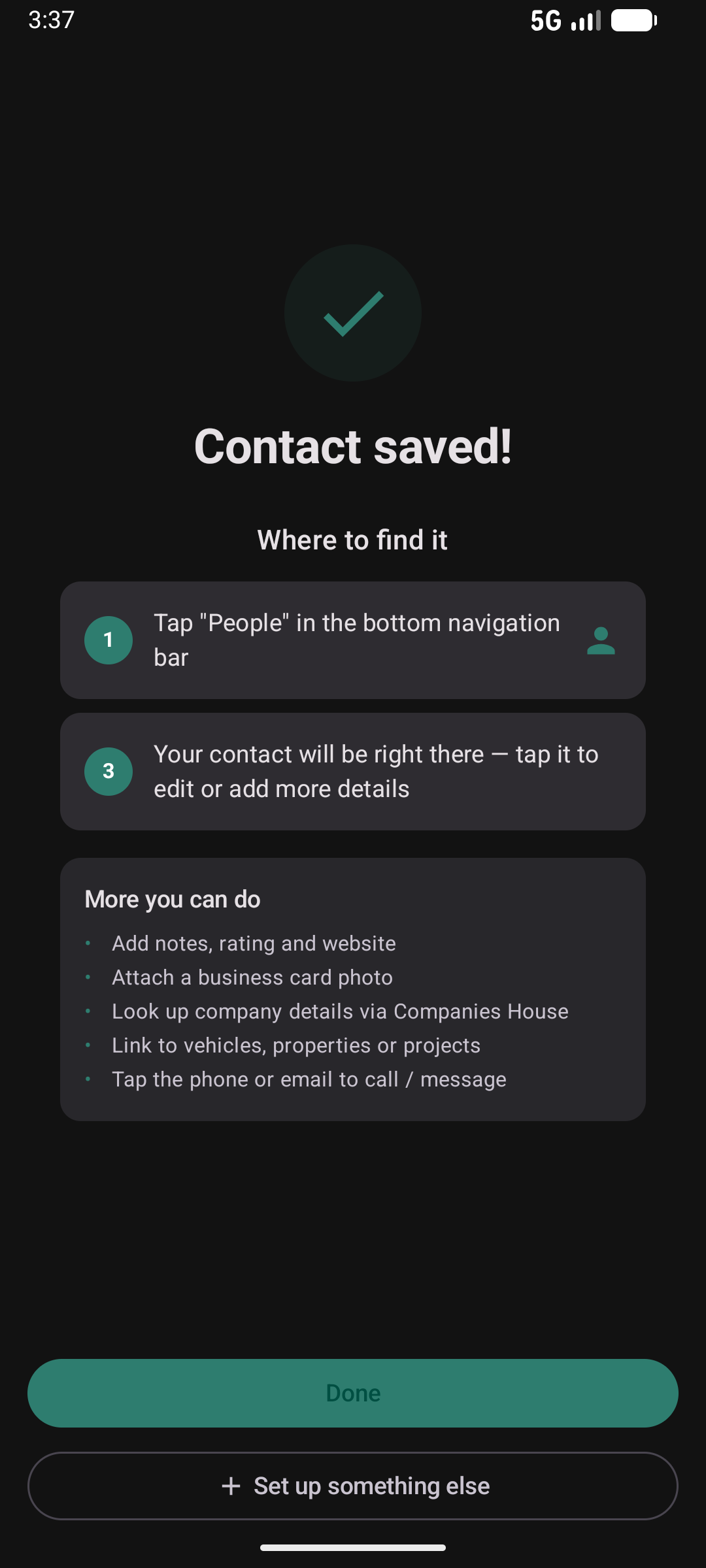
Save a Contact
Keep tradespeople, vets, agents and any other people or companies in one place. Link them to vehicles, properties, projects, or appliances and find them again instantly.
Add a Plant
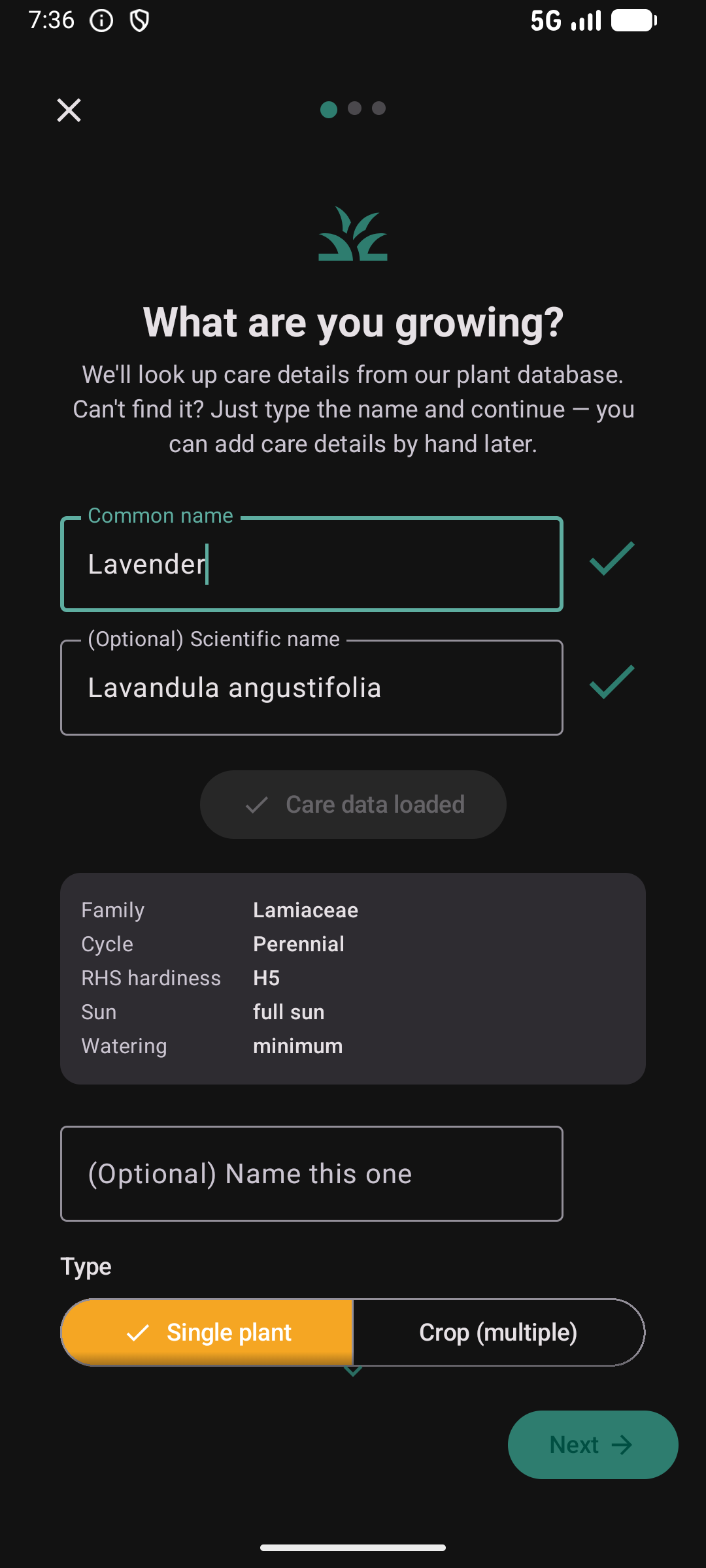
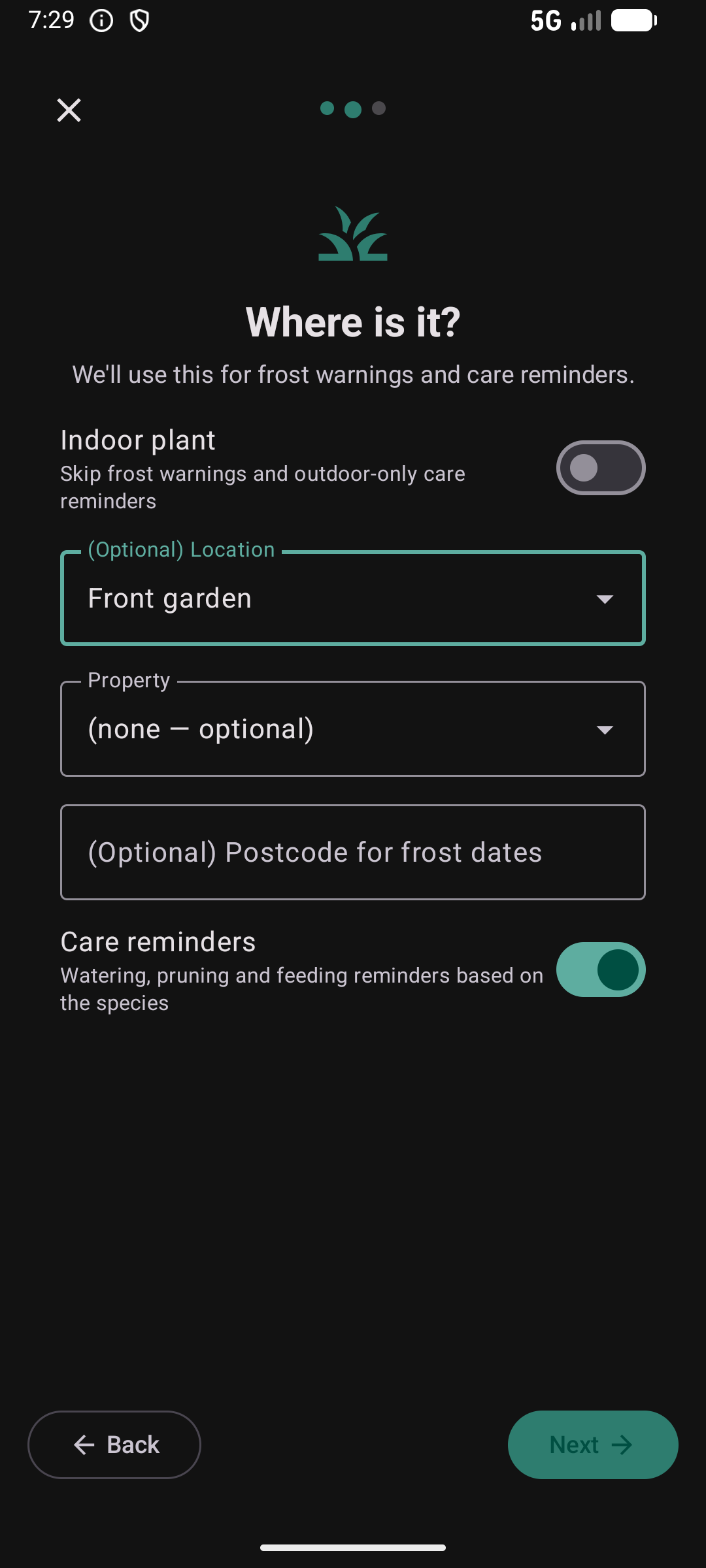
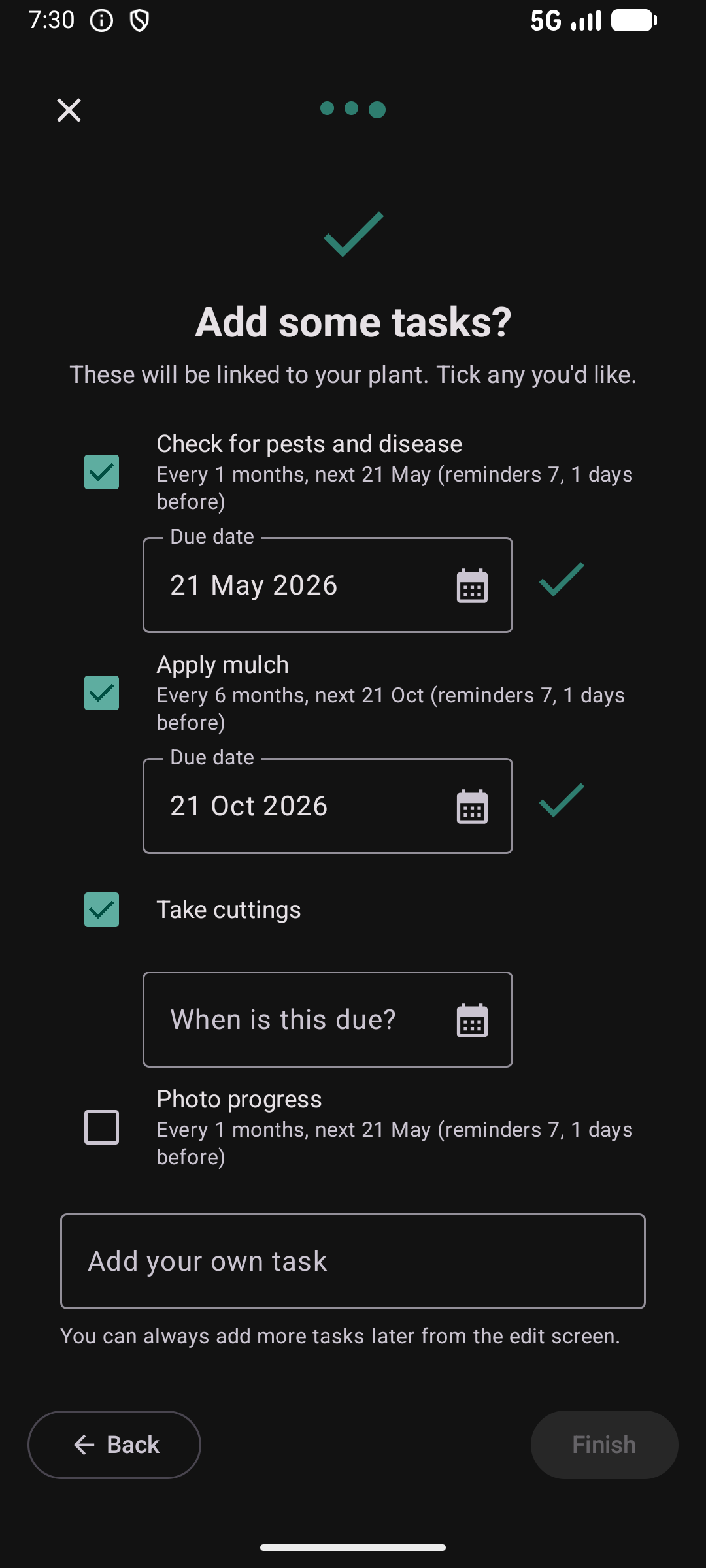
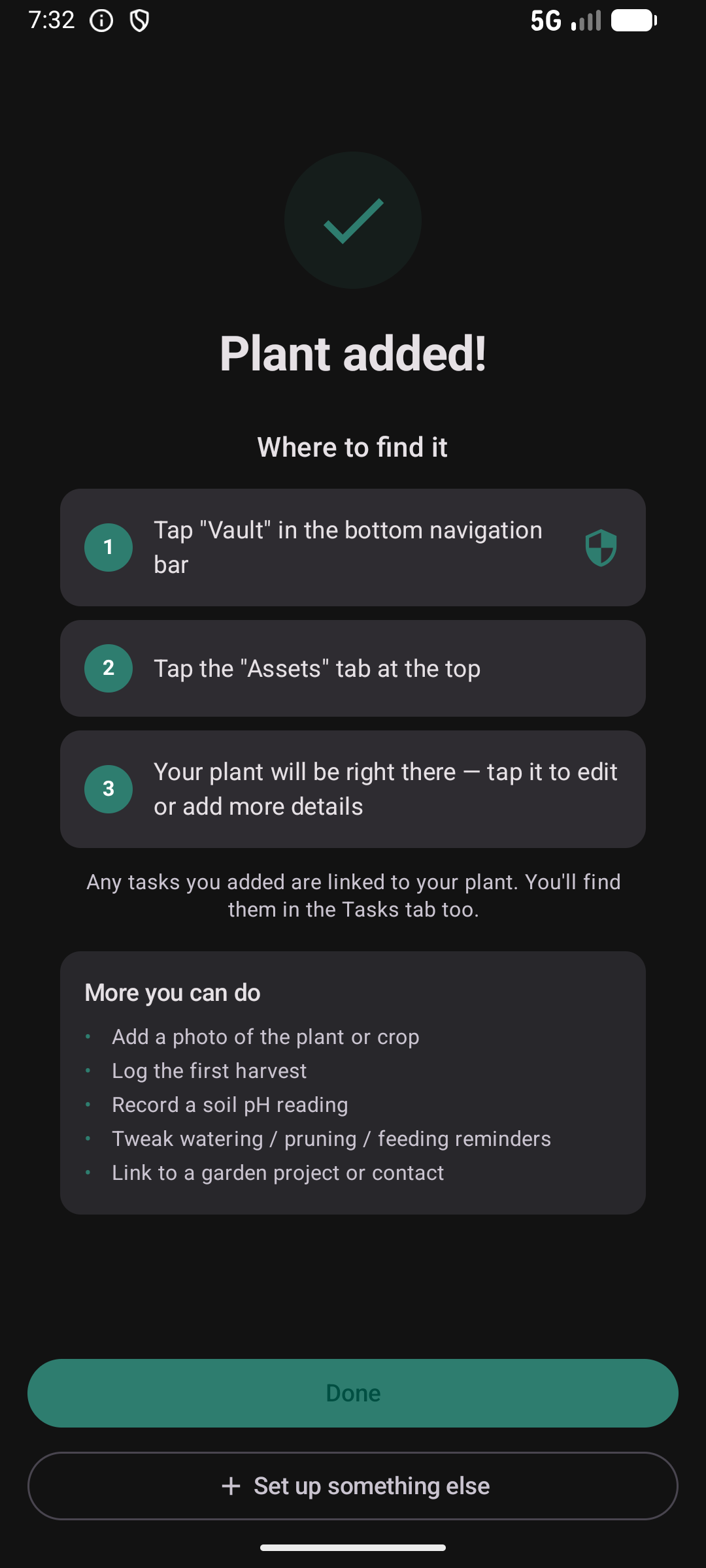
Type a plant name and Kepthouse looks it up against a 350,000 species catalogue. Hardiness, sun, watering, soil pH and flowering months fill in automatically. Place it in a named bed or area, link it to a property for UK frost dates, and pick from species-aware suggested tasks — all free, no separate gardening subscription.
Set Up Weather Alerts
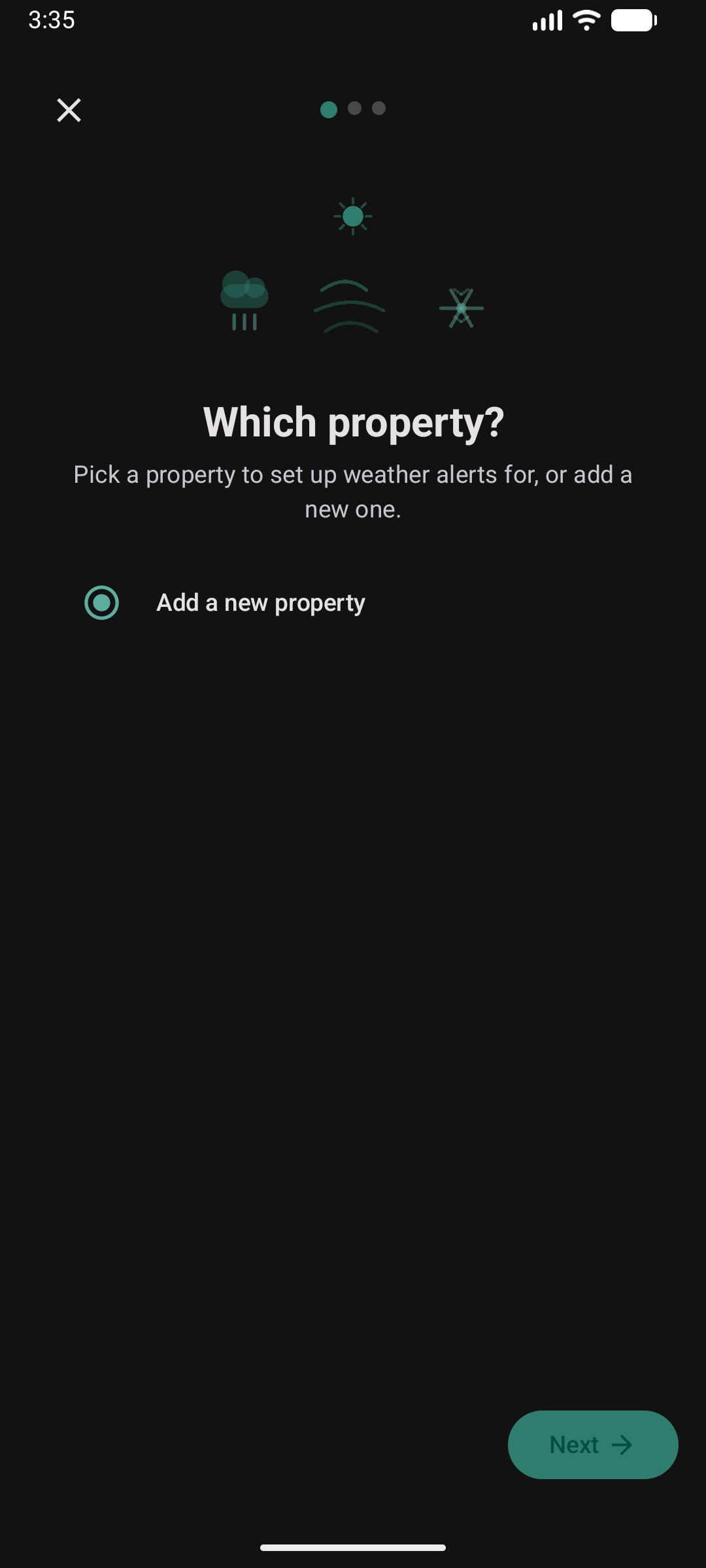
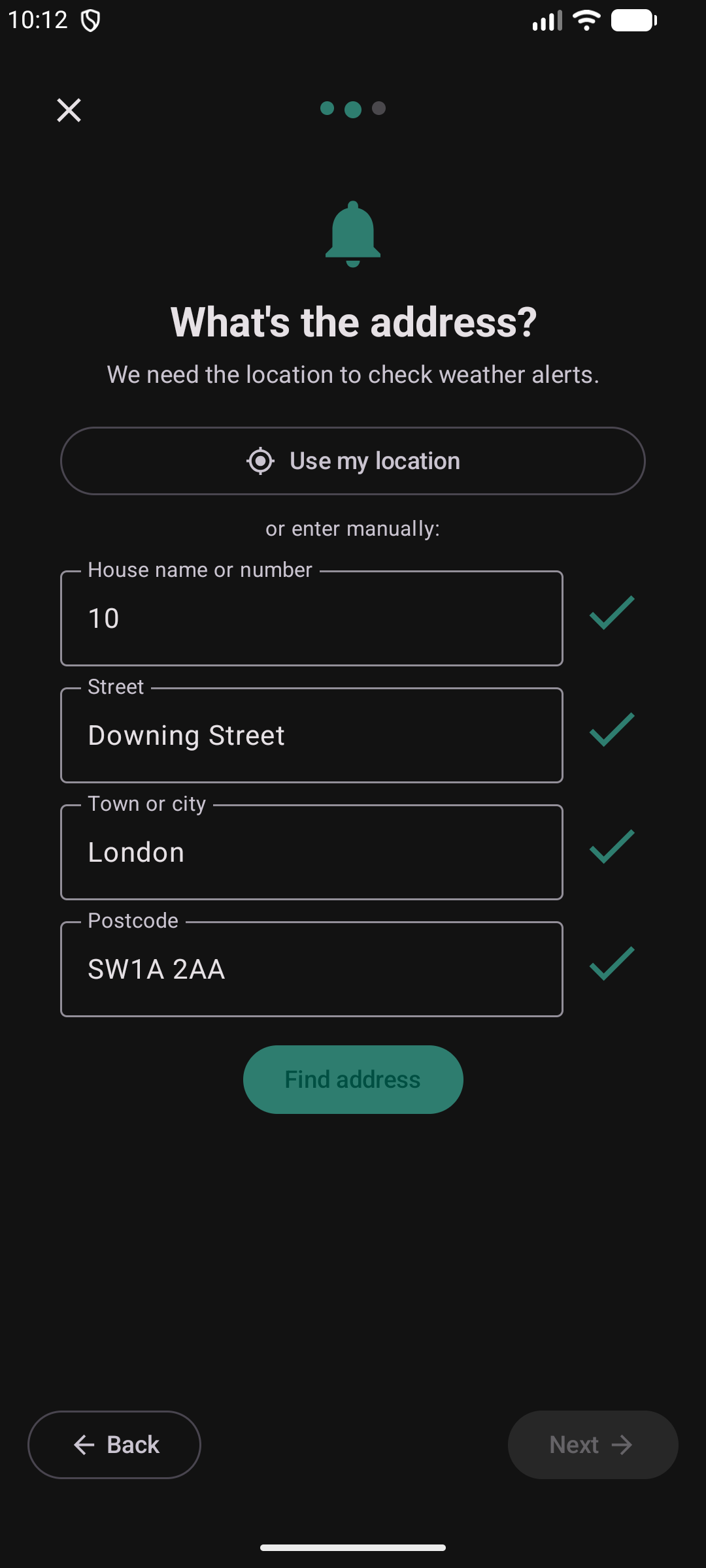
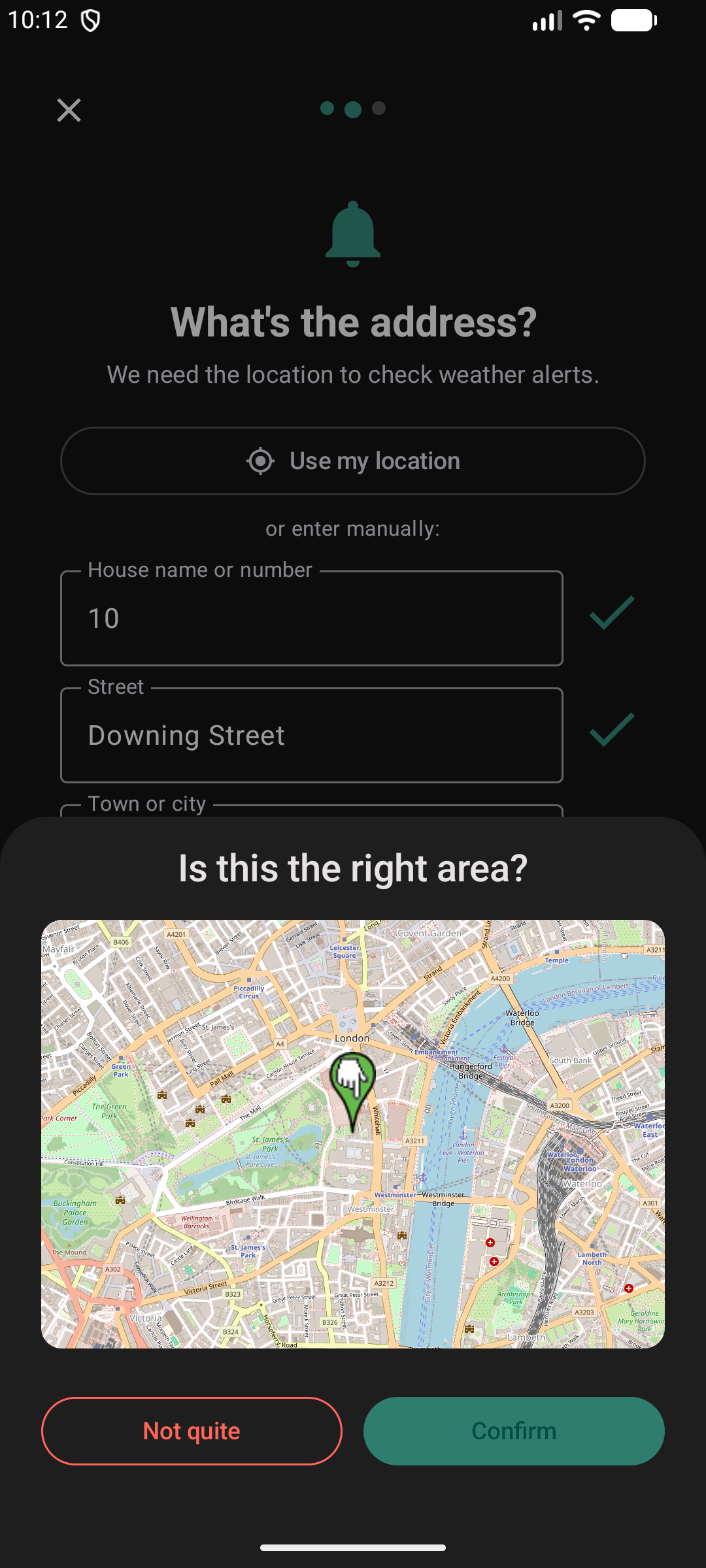
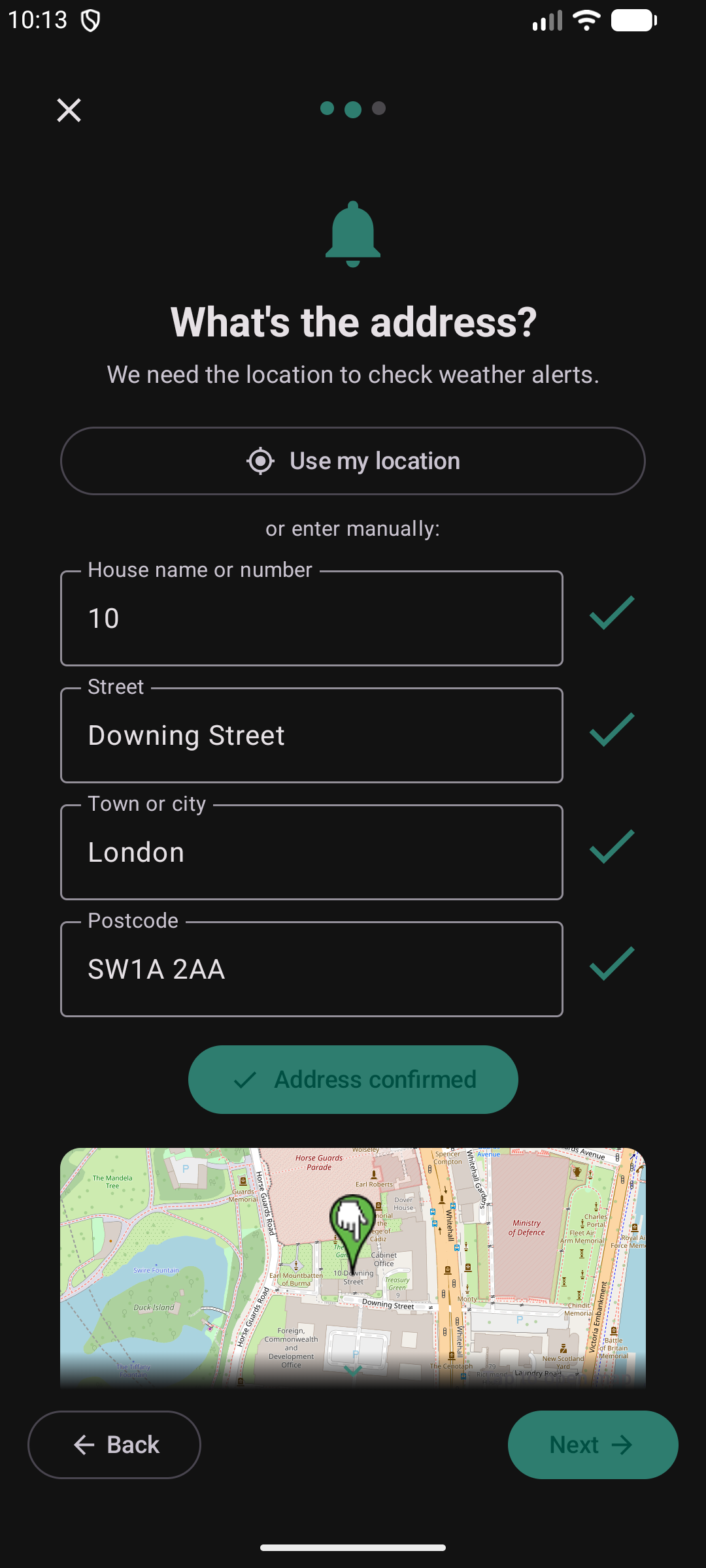
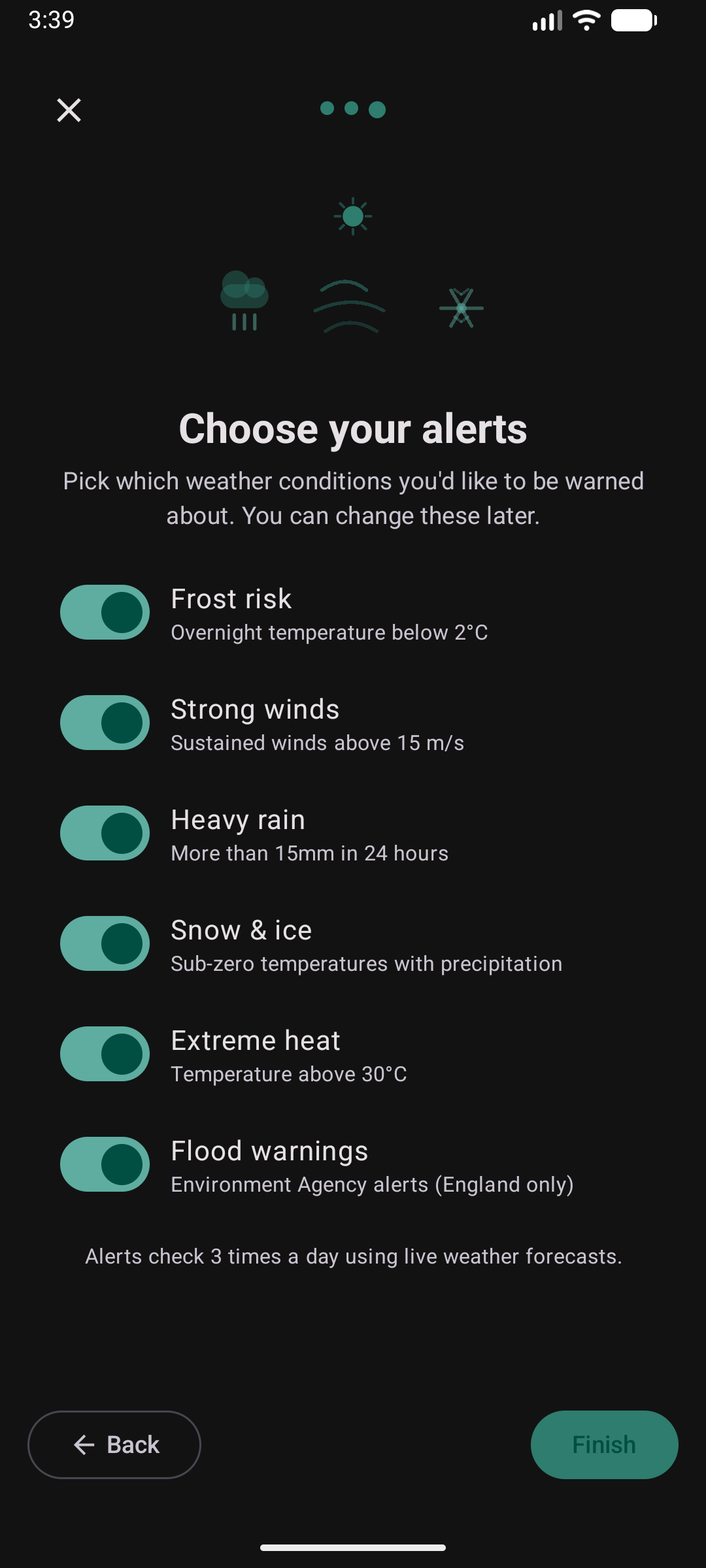
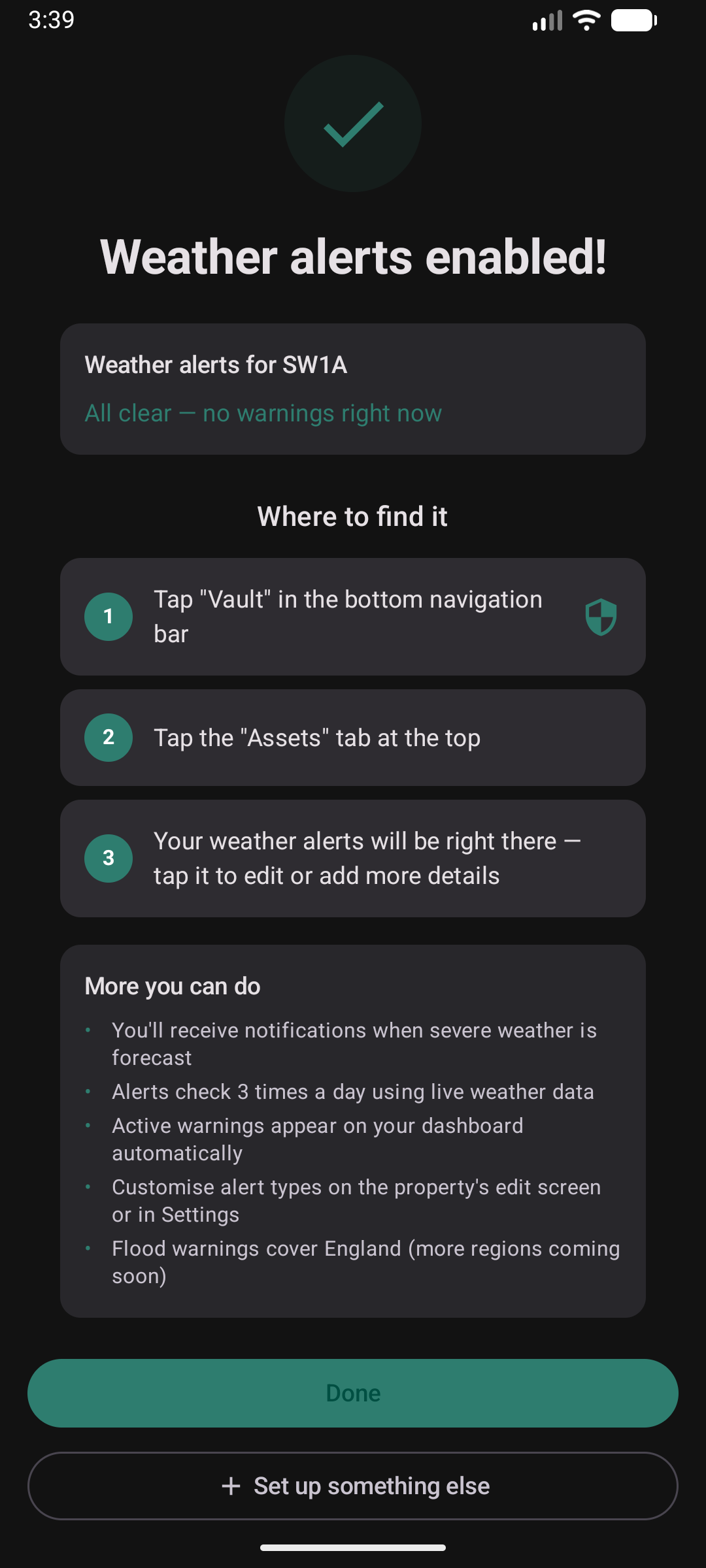
Enter your address, confirm it on the map, pick which conditions to watch for. Kepthouse checks the forecast three times a day and sends a push notification before frost, gales, heavy rain, snow, extreme heat or flooding.
Import from Calendar
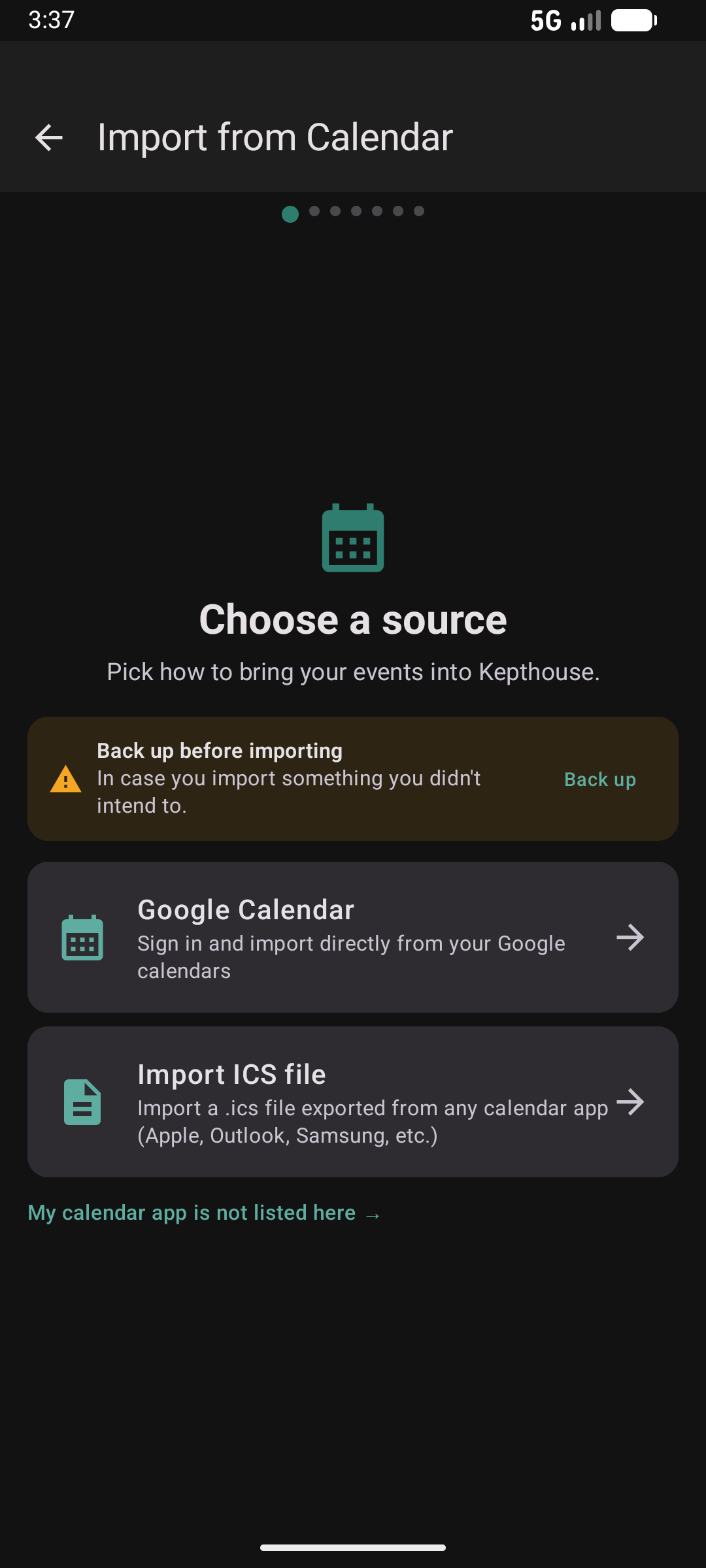
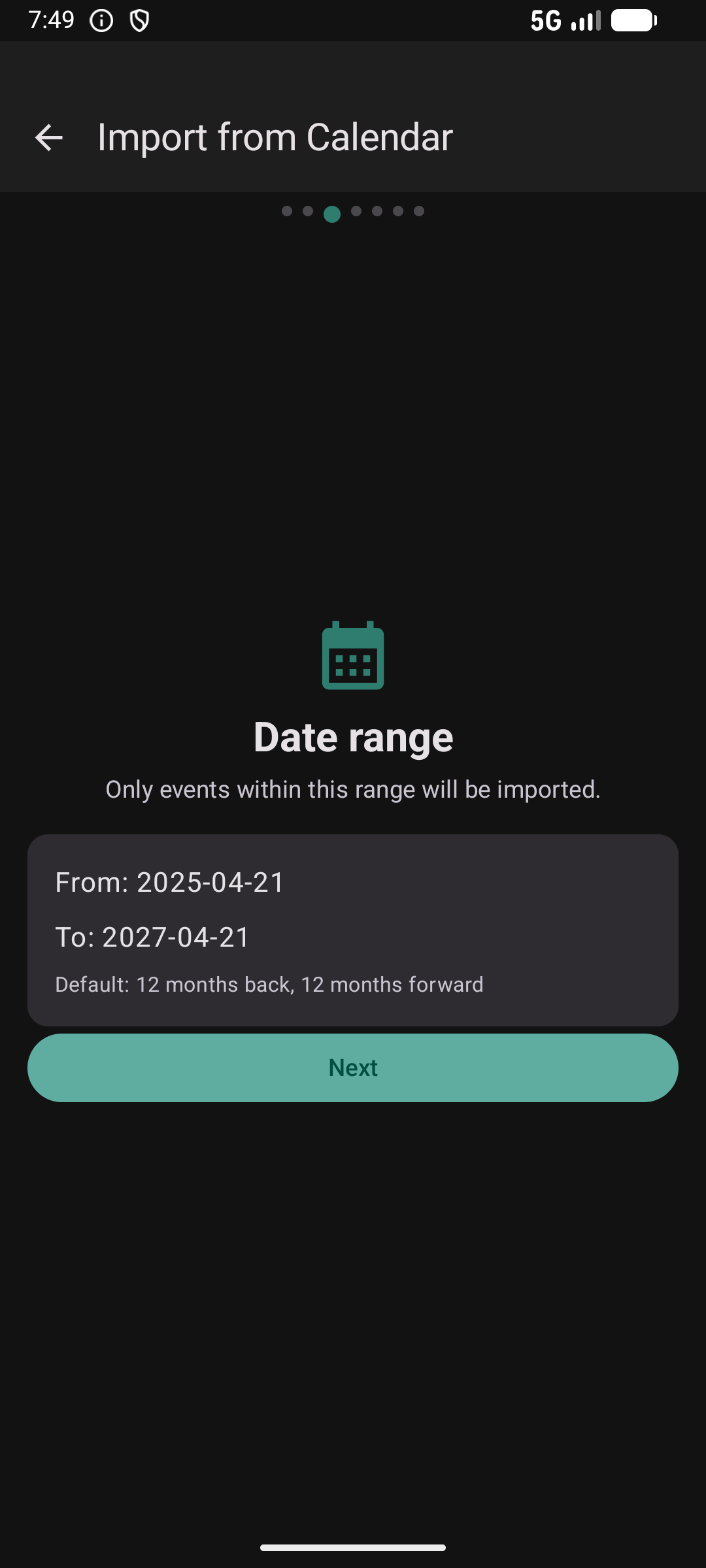
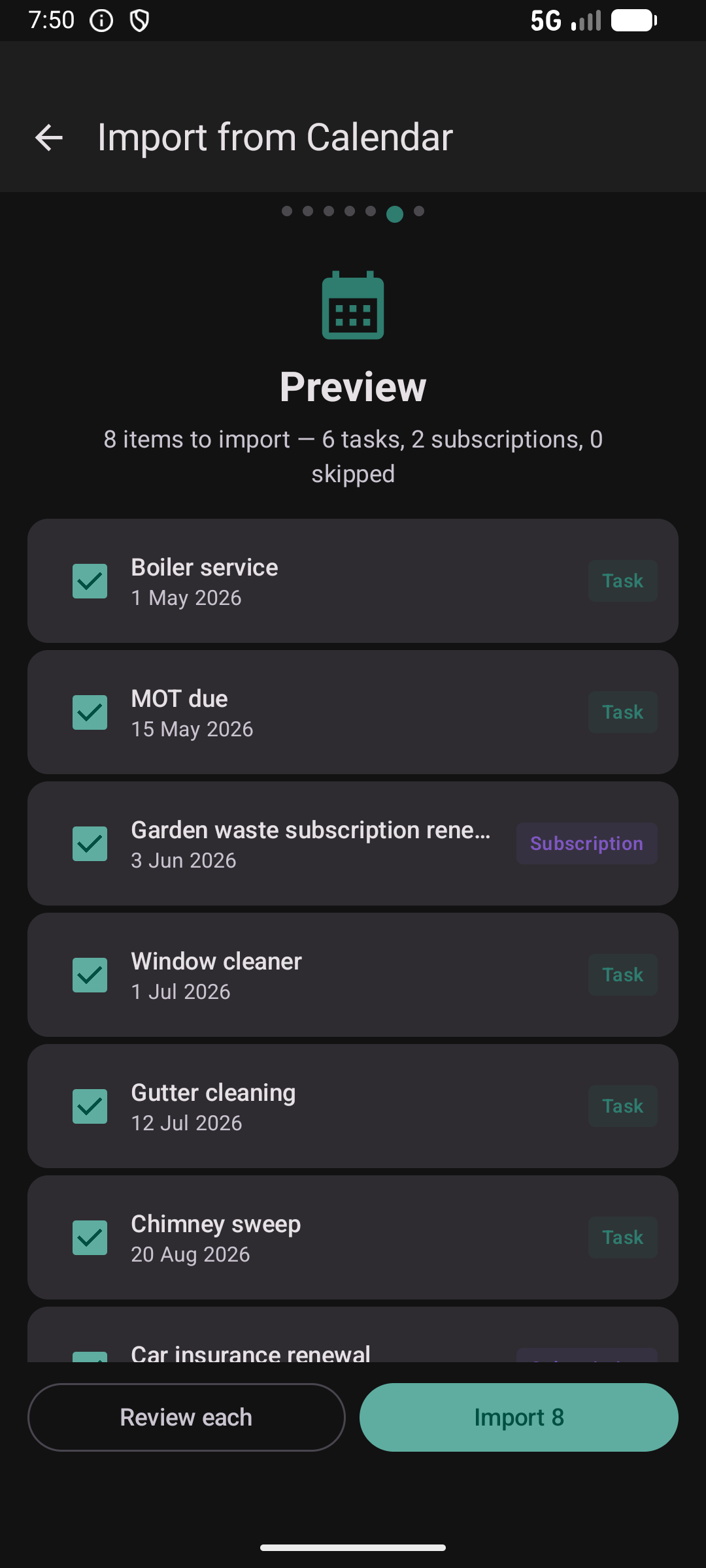
Already tracking things in Google Calendar or an .ics file? Pull them in as tasks and subscriptions in one go. Kepthouse makes a backup first, so you can undo if anything comes in wrong.
Try the wizards in the app
Tap the wand icon on the dashboard, or use “Add manually instead” if you prefer to skip the guided flow.